How to Spot Fee Schedule Fine Print Before You Place a Bid
Read the fee schedule before you bid. Mark every line item that can change your total after a win: buyer’s fee, gate fee, internet fee, title fee, arbitration fee, storage, and any late or payment processing charge. Miss one charge, and a low bid can turn into a higher out-the-door cost or a deal you cannot afford. This guide shows how to find each fee, identify its trigger, and estimate the real total before you place a bid.
What fees change your total?
Start with the hammer price, then add the buyer fee, then add any separate admin, documentation, payment, tax, title, registration, storage, and release charges. The buyer fee is the auction’s charge to the winning bidder, but it is often only one part of the invoice. The key is to find what is fixed, what changes with sale price, and what appears only after payment or pickup.
Buyer fee versus buyer premium
Some auctions label the charge as a buyer fee. Others call it a buyer premium. The label matters less than the rule attached to it: flat amount, tiered by sale price, or different by vehicle type and sale channel. Check whether the amount is per vehicle, per invoice, or based on the final bid.
Admin, document, and processing charges
Administrative or documentation fees are often separate from the buyer fee and may appear as a flat add-on on the invoice. A payment processing fee can also sit outside the buyer fee, especially when a card surcharge applies or when the auction requires wire transfer for certain purchases. Some auctions state these charges are nonrefundable, even if the buyer backs out within a narrow dispute window. Verify in your state and auction terms before you assume any payment charge is refundable.
Taxes, title, registration, and storage
Sales tax may apply to the vehicle price, the buyer fee, and other line items, depending on state and county rules. Title transfer, registration, temporary tag, and DMV processing fees are separate costs in many sales. Storage and gate fees can appear if pickup misses the deadline, and those charges often grow by the day. Verify in your state and auction terms whether tax is applied to the buyer fee, document charges, or only the vehicle price.
Where fee details hide in the terms
Fee details usually appear in five places: the listing page, the bid screen, the bidder agreement or handbook, the invoice sample, and the payment or pickup rules. Each one can carry a different trigger, deadline, or refund rule. A buyer who checks only the listing often misses the line that controls the real total.
Listing page and bid screen
The listing page should show whether a buyer fee applies and whether any auction-specific charges sit on top of it. Look for phrases like “plus fees,” “internet bid fee,” “per vehicle,” “per invoice,” or “subject to tax.” If the sale is online, the bid screen may also warn that payment method or pickup timing changes the charge.
Bidder agreement and handbook
The bidder agreement is where the deeper rules usually live. Look for a fee disclosure section, bidder registration terms, invoice terms, payment method rules, and the version date or effective date. If the handbook says the auction may change fees without notice for future sales, check which version applies to your bid before you accept it.
Invoice sample, payment policy, and pickup rules
An invoice sample shows the order of charges, which can be useful because the final amount often follows a similar sequence: hammer price, buyer fee, added fees, taxes, title or registration, then payment surcharges. Pickup rules often mention storage start dates, release requirements, photo ID, paid-in-full status, and any gate charge tied to removal. Verify in your state and auction terms before treating any invoice sample as a guaranteed final format.
-
Locate the fee disclosure. Open the listing, bidder terms, invoice sample, payment policy, and pickup rules before you bid. Look for exact charge names, not general phrases, because the wording tells you whether the fee is flat, percentage-based, or tied to timing.
-
Mark each trigger. Circle phrases such as “per vehicle,” “per invoice,” “per day,” “plus tax,” “credit card only,” and “wire required.” These phrases tell you when the fee starts, whether it repeats, and whether a payment method changes the amount.
-
Check refund language. Find whether each fee is refundable, partially refundable, or nonrefundable. A documentation fee or card surcharge is often written as nonrefundable, while a deposit may follow different rules if the sale is voided under the written policy. Verify in your state and auction terms before assuming a refund.
-
Match the invoice order. Compare the sample invoice to the terms page and confirm the order of charges. This matters because tax may apply to more than the hammer price in some states, and a storage charge can start before the title packet is ready.
-
Save the version date. Note the effective date or handbook version next to the lot number. If the auction updates fees between bidding and invoice creation, the version on file helps you verify which rule was in force when you placed the bid.
Fee audit checklist
Use this checklist line by line before you place a bid. Catch the charge, the trigger, and the place where the rule appears before the auction closes. If a fee is missing from one page, keep searching until you find where it is written. You can copy this checklist into your notes or print it as a pre-bid audit sheet.
| Fee name | Trigger | Amount | Taxability | Refundability | Where it appears in the terms |
|---|---|---|---|---|---|
| Buyer fee | Winning bid on a lot | Flat amount or sale-price bracket | May be taxable in some states | Usually tied to sale outcome | Listing page, bidder agreement, invoice |
| Administrative fee | Per vehicle or per invoice | Flat add-on | Varies by state rule | Often nonrefundable | Bidder terms, invoice sample |
| Payment surcharge | Card payment, cashless rule, or split payment | Percentage or flat amount | May be taxable if state law treats it that way | Often nonrefundable | Payment policy, checkout screen, invoice |
| Sales tax | Taxable sale in the buyer’s state or county | State and county rate applied to taxable base | Tax itself | Not a fee; depends on exemption status | Invoice, tax notice, bidder terms |
| Title and registration | Title transfer, tag issue, DMV processing | Flat state or county charge | Often separate from sales tax | Usually not refundable after filing | Invoice, paperwork instructions |
| Storage and gate | Pickup deadline missed or release not complete | Per day or per release attempt | Varies by state and auction policy | Usually nonrefundable | Pickup rules, lot release policy |
| Arbitration or condition fee | Dispute filing, inspection, or sale review | Flat fee or chargeback rule | Depends on state and contract language | Often limited or denied | Bidder handbook, as-is terms |
Public auctions versus dealer-only auctions
Public auctions and dealer-only auctions can look similar on the surface, but the rules often differ in ways that change the final cost. Public sales usually allow retail participation, while Dealer-only auctions commonly limit bidding to licensed dealers or approved buyers. That eligibility difference can affect buyer fees, title paperwork, tax treatment, and the payment method rules that follow the sale.
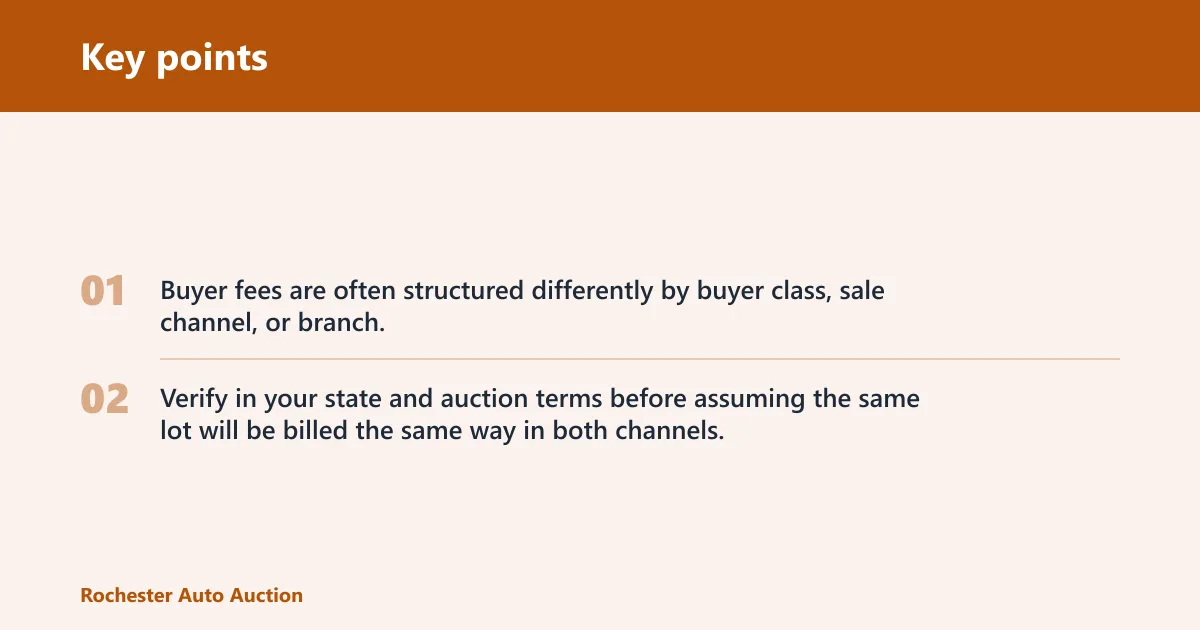
Buyer fees are often structured differently by buyer class, sale channel, or branch. Dealer-only sales may also have documentation paths that assume resale use, while public auctions may require retail tax handling unless a valid exemption is accepted. The practical check is simple: read the auction’s eligibility rule first, then compare the fee schedule, title instructions, and payment terms that apply to your buyer type. Verify in your state and auction terms before assuming the same lot will be billed the same way in both channels.
How do you read tiered fee schedules?
Tiered schedules change the buyer fee when the hammer price crosses a bracket, while flat schedules charge the same amount no matter the price. A fee may also change by vehicle type, platform, or location. Read the bracket table carefully, because one dollar over a threshold can move the total to the next tier.
Flat fees versus price brackets
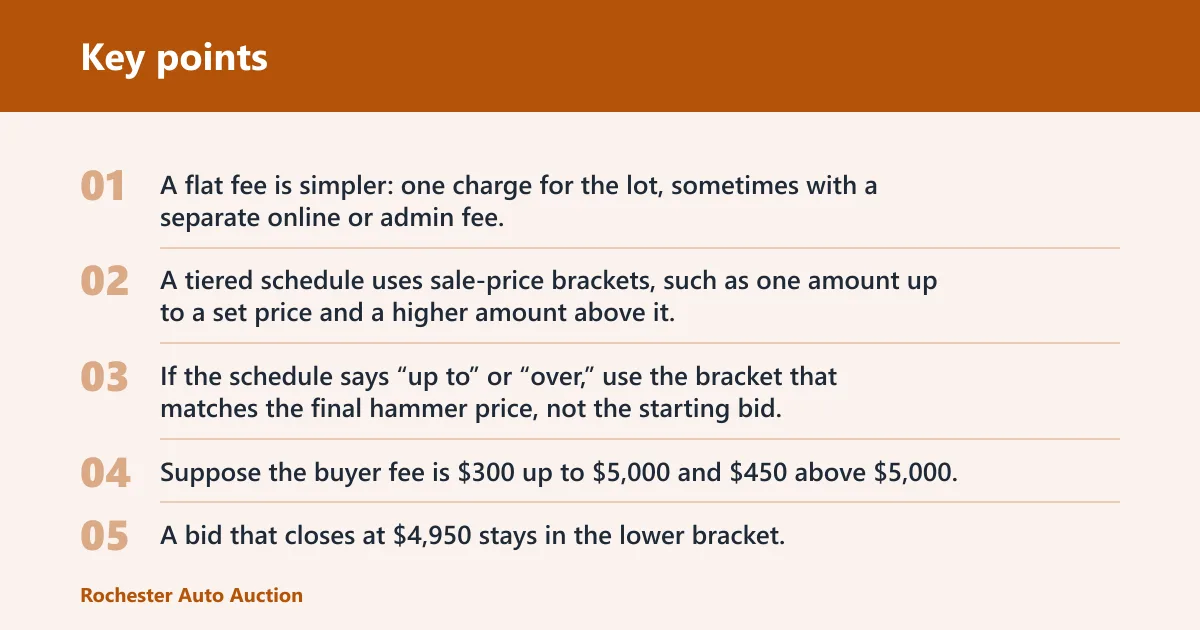
A flat fee is simpler: one charge for the lot, sometimes with a separate online or admin fee. A tiered schedule uses sale-price brackets, such as one amount up to a set price and a higher amount above it. If the schedule says “up to” or “over,” use the bracket that matches the final hammer price, not the starting bid.
Suppose the buyer fee is $300 up to $5,000 and $450 above $5,000. A bid that closes at $4,950 stays in the lower bracket. A bid that closes at $5,001 moves to the higher one, even though the difference is only $51 in price. In many auction terms, that same bracket change can also affect whether tax is calculated on a different base or whether a card surcharge is applied to the higher invoice total, so verify in your state and auction terms before using the example as a rule.
Vehicle type and location-specific changes
Some auctions use different buyer fees for salvage units, fleet units, motorcycles, heavy equipment, or public sales. Others vary the fee by auction location or sale channel, with one schedule for in-lane sales and another for online-only bids. If the listing shows a lot number tied to a specific branch, check that branch’s fee page, not a general corporate summary.
Sale price triggers and bracket jumps
Bracket jumps often happen at round numbers. A fee can shift at $1,000, $2,500, $5,000, or another stated cutoff. The useful habit is to calculate both the current bracket and the next bracket before bidding, because the next bid increment can push the total into the higher fee band.
What extra charges can appear after the hammer price?
After the hammer price, the invoice can still add payment, storage, pickup, title, registration, and condition-policy charges. Some of these appear only if you choose a card instead of a wire, miss pickup, or need the auction to process paperwork. The warning sign is any rule tied to “per day,” “late,” “release,” or “plus processing.” Verify in your state and auction terms before you treat any of these charges as optional or universal.
Payment method surcharges
Look for a card surcharge, ACH policy, or wire requirement before checkout. Some auctions accept only cashless payment, and some add a percentage-based fee for card use while requiring wire for high-dollar invoices. If the policy says “credit card only” for deposits but “wire required” for balance, the final total can change after you win.
Storage, gate, and pickup penalties
Pickup deadlines matter. If the lot is not removed by the stated day, daily storage can begin, and a late removal penalty may also apply. Read the release rule too, because some yards require paid-in-full status, release paperwork, and a pickup appointment before the gate will move the car.
A common first-timer mistake is assuming the auction will hold the car without cost for a week. If the terms say storage starts after about 48 hours, the invoice can grow quickly, especially on a vehicle that waits through a weekend and then needs a second trip for release.
Title, registration, and temporary tag fees
Title transfer, registration, temporary tag, and DMV processing fees are often separate line items. A temporary permit may be needed for transport, and the auction may charge the buyer for state processing even when the vehicle is otherwise paid in full. These charges can also differ for dealer buyers and retail buyers.
How do taxes and paperwork affect the final total?
Taxes and paperwork can change the final total as much as the buyer fee does. Sales tax may apply to the vehicle price, the buyer fee, and sometimes other charges, depending on state and county rules. Dealer buyers and retail buyers may face different tax treatment, and exemption paperwork often has a deadline.
Sales tax and fee taxability
Check whether the state and county tax rate applies to the hammer price alone or to the buyer fee and document charges as well. The terms should say whether the buyer fee is taxable, because that detail changes the out-the-door total. If the auction bills tax on multiple line items, the invoice should show the tax base clearly. Verify in your state and auction terms before relying on a sample invoice or a general statement about taxability.
Dealer versus retail treatment
Dealer-only auctions may allow resale certificates or other exemption documents, while public auctions usually require retail tax treatment. The same lot can produce a different total depending on who buys it and which documents the buyer submits. Do not assume dealer status removes every tax or paperwork charge; the contract controls the result.
Tax exemption documentation
If an exemption applies, confirm the exact document name, filing deadline, and whether it must be approved before invoicing. Missing paperwork can trigger full tax billing, even if the buyer planned to claim an exemption later. Keep the auction’s written instruction with the bid records so the exemption claim is tied to the right invoice. Verify in your state and auction terms before relying on later correction or refund language.
How do you estimate your out-the-door cost before you place a bid?

A common way to estimate the total is to use this order: hammer price, buyer fee, added fees, sales tax, title and registration, then payment surcharges. That order matters because each layer can change the next one. Use the auction’s own fee schedule, not a generic estimate, when you want the number to be usable.
-
Write the hammer price. Start with the highest amount you are willing to pay for the lot itself. This is the base for the fee calculation and keeps the rest of the math tied to a real bid ceiling.
-
Add the buyer fee. Apply the correct flat amount or bracketed amount from the fee schedule. If the schedule changes by vehicle type or sale channel, use the matching rule for that exact lot.
-
Add extra line items. Include admin, document, internet, gate, or release fees if the terms show them on the invoice. If a fee is per invoice rather than per vehicle, count it once.
-
Apply taxes and paperwork. Add the tax rate that applies to your buyer type and location, then add title, registration, and temporary tag charges. Use the county or state amount stated in the terms or invoice sample.
-
Check payment surcharges. Add any card fee, cashless fee, or wire requirement cost after the invoice total is known. This last step matters because the payment rule can change the amount due at checkout.
Example: a $4,950 hammer price with a $300 buyer fee, a $95 admin fee, a 6% tax on the taxable base, a $45 title processing fee, and a 2% card surcharge follows one cost path. If the same bid rises to $5,001, the buyer fee moves to $450 in the higher bracket, so the invoice total rises before tax and payment costs are applied. In jurisdictions where the fee bracket changes the taxable base or moves a charge from non-taxable to taxable treatment under the written terms, the out-the-door total can change again. If the auction requires wire transfer instead of a card, the surcharge may disappear, but the paperwork and tax lines remain. Verify in your state and auction terms before using the example as anything more than an illustration.
What should you check on the bid page, terms page, and invoice?
On the bid page, verify the lot-specific fee note and any warning about payment or pickup. On the terms page, verify the full fee schedule, refund rules, dispute deadline, and version date. On the invoice, confirm the order of charges and compare each line to the written policy before you pay.
That three-page check catches most surprises. The bid page shows what may apply; the terms page shows what controls the contract; the invoice shows what the auction actually charged. If any of the three disagree, stop and ask for the written rule that supports the invoice line. Verify in your state and auction terms before treating a fee, refund, or cancellation rule as automatic.
Frequently asked questions
What should I look for in the fee schedule before I bid?
Look for the buyer fee, any admin or document charge, payment surcharges, tax language, and pickup or storage rules. Then find the trigger words: per vehicle, per invoice, per day, plus tax, card only, or wire required. Those words tell you what the winning bid will really cost.
Which auction fees are fixed and which change by sale price?
Flat admin, document, or gate fees usually stay the same for a sale, while buyer fees may be flat or tiered by price bracket. A tiered buyer fee can jump when the hammer price crosses a cutoff. Check whether the bracket is tied to the final bid, not the opening bid.
What extra charges can appear after the buyer fee?
Payment surcharges, storage charges, title processing, registration, temporary tag fees, and arbitration or condition-policy charges can appear after the buyer fee. Some show up only if you pay by card, miss pickup, or file a dispute. The invoice should list each one separately if the auction follows its own terms.
Where do auctions hide payment, storage, or documentation fees?
These fees often appear in the bidder agreement, payment policy, invoice sample, or pickup rules rather than on the listing itself. Search for “per day,” “plus processing,” “cashless only,” “release required,” or “nonrefundable.” Those phrases are the usual markers for charges that do not sit in the headline price.
How do I estimate my out-the-door cost before I place a bid?
Add the hammer price, buyer fee, extra line items, tax, title and registration, then any payment surcharge. Use the auction’s written schedule for the exact amounts, and use the correct bracket if the buyer fee is tiered. Do not stop at the bid amount; the invoice is the real number.
Can I cancel a bid or sale if the fee disclosure was unclear?
Maybe, but only if the written terms give you that right. Read the dispute deadline, cancellation window, and eligible defect language, because many auctions sell “as is” and limit claims to the written process. If the fee disclosure conflicts with the invoice, ask for the rule in writing before paying. Verify in your state and auction terms before assuming cancellation is allowed.