How Long Does Copart Bidding Last on Each Vehicle?
Copart bidding can stay open for days in pre-bid, then move in short live-sale extensions once the lot reaches the block. Each vehicle closes on its own run time, and a late bid can extend the auction instead of ending it on a fixed schedule. What matters most is the listing’s actual sale state, not just the first countdown you see.
What the Copart timer means
Copart listings can show more than one clock at once. Sale date, run date, lot number, and auction close time point to when a vehicle may run. The live bidding timer matters once the lot is on the block, and it can display differently on mobile and desktop because of refresh lag and time zone display.
Pre-bid clock versus live-sale clock
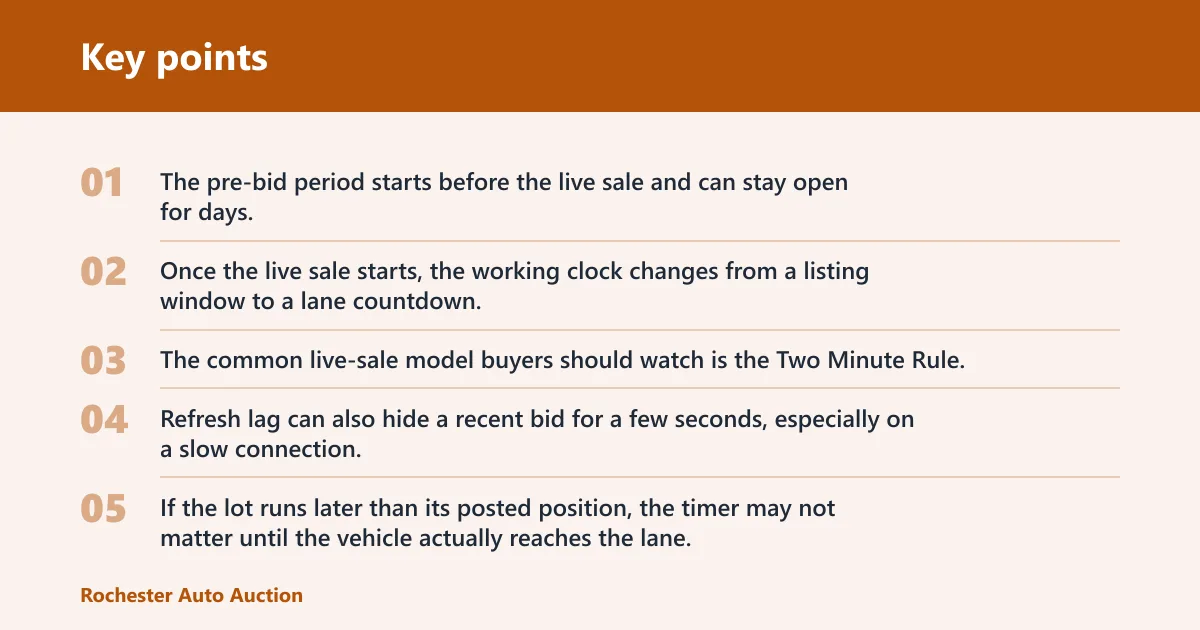
The pre-bid period starts before the live sale and can stay open for days. A buyer may enter a max bid while the vehicle is still listed as upcoming, and other bidders can beat it before the run date. Once the live sale starts, the working clock changes from a listing window to a lane countdown. Copart’s own bidding flow separates these stages, so the safe assumption is that pre-bid and live sale are not the same timer.
The common live-sale model buyers should watch is the Two Minute Rule. In plain terms, when new bidding activity arrives near the end, the listing can keep running in short extensions, often about two minutes at a time, until the activity stops. Treat that as the practical rule buyers see on the platform, while allowing for sale-type or listing-specific differences where Copart’s documentation is more limited.
Why the timer can shift
Time zone display can make a listing appear to close earlier or later than expected if you are not viewing it in the same zone used by the sale schedule. Refresh lag can also hide a recent bid for a few seconds, especially on a slow connection. If the lot runs later than its posted position, the timer may not matter until the vehicle actually reaches the lane. These are practical cautions rather than universal rules, because the live view can change with the device, connection, and sale flow.
Copart bidding timeline
| Stage | What the buyer sees | What can change the timer | Action to take |
|---|---|---|---|
| Pre-bid open | Listing shows sale date, run date, lot number, and a place to enter a max bid before the lane starts. | Sale schedule, time zone display, or a seller change to the listing. | Set your highest bid before live sale begins if you want to be active early. |
| Live sale starts | The vehicle reaches the lane and the live countdown becomes the real bidding clock. | Lot order, auction delay, or the vehicle being run later than planned. | Watch the listing closely and be ready to increase your bid fast. |
| Last-minute bid | The timer can hold near the end instead of dropping cleanly to zero. | New bids can trigger a short extension under the Two Minute Rule. | Stay on the listing until the block fully closes. |
| Extension | The countdown refreshes and the vehicle remains active. | Any new bid near the end can extend the clock again. | Decide quickly whether to raise your bid or stop. |
| Sold pending | The listing may show sold pending while sale results wait for final processing or approval. | Reserve status or seller approval can affect the result. | Wait for the final sale status before treating the car as won. |
| Close | The vehicle leaves active bidding and moves to final confirmation or post-sale handling. | Processing speed and listing updates. | Check the listing for final status before moving to checkout steps. |
How long does bidding last on one vehicle?
There is no single fixed length for every Copart vehicle. Pre-bid can stay open for days before the live sale, and the live auction can run for minutes and extend in short increments when new bids arrive. After that, the listing may sit in sold pending or similar post-sale status before the result is final. The exact timing can vary by sale type, account access, and listing status.
Pre-bid window
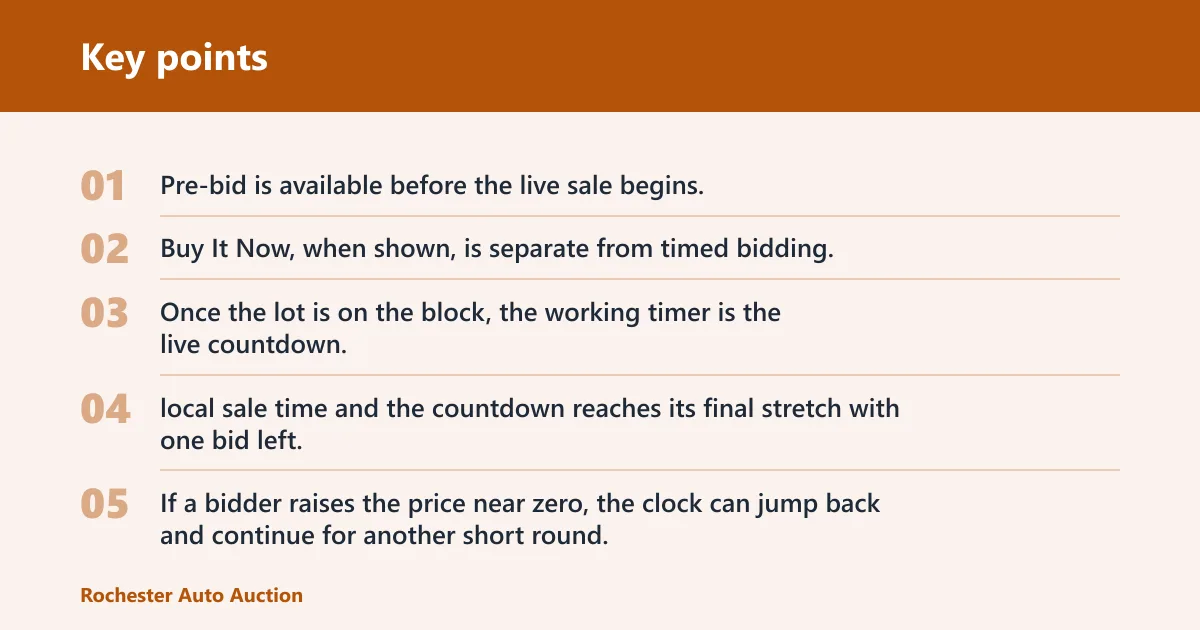
Pre-bid is available before the live sale begins. It lets you place a maximum amount early, and that bid can show in the listing as the current high offer or can be overtaken by someone else. In many cases, pre-bidding stops when the vehicle reaches the lane, so do not count on it staying open through the full live auction. That is the practical point to watch, even if a listing preview still appears on screen.
Buy It Now, when shown, is separate from timed bidding. It can disappear once bidding activity changes the listing state, so a bidder should treat it as an early purchase option, not part of the countdown.
Live auction countdown and the Two Minute Rule
Once the lot is on the block, the working timer is the live countdown. Copart’s common timing model is the Two Minute Rule, where new bidding activity can extend the clock instead of ending it immediately. That is why a vehicle can appear to keep running longer than the first timer suggested. If Copart’s help materials or the specific sale flow describe the extension differently, defer to that listing-level guidance.
Say your lot enters the lane at 10:00 a.m. local sale time and the countdown reaches its final stretch with one bid left. If a bidder raises the price near zero, the clock can jump back and continue for another short round. The listing did not have a new separate auction day; it was still the same vehicle, still in live sale, with the end pushed back by active bidding.
After sold pending and final close
A bid does not become a finished purchase the second the timer stops. The listing can move through sold pending, then to final sale confirmation if the seller needs approval or the platform is finishing the sale record. That is why “winning” and “ready for release” are not the same thing. Copart’s post-sale status labels matter here because they tell you whether the seller has accepted the outcome or whether the sale is still being processed.
What happens if you bid near the end?
A last-second bid can still win, but it also faces two risks: someone outbids you before the block closes, or the listing extends and keeps going after you thought it was over. Refresh lag can make the page look finished when the lot is still active, so late bidders should assume the clock may not be final yet. Treat that as a practical caution, not a guarantee of how every device will behave.
Outbid risk and extension behavior
Under the Two Minute Rule, a new bid near the end can extend the live auction. That means the bid you place at 12 seconds left may not be the winning bid if another buyer responds during the extension. The safest assumption is simple: if the listing is still active, your bid can still be beaten. Copart’s bidding rules and the listing state should control your decision more than any single countdown snapshot.
Picture a sedan with a reserve status that has one active bidder and a second bidder waiting until the last minute. The second bid can move the listing back into a fresh countdown, and the first bidder may need to bid again if they want to stay on top.
What refresh lag can hide
A page that looks frozen may be behind the actual sale state by a few seconds. Mobile and desktop can update at different speeds, and a poor connection can make the countdown appear to hit zero before the listing has fully closed. If the block is still active on another device, the car is still in play. That difference is usually a display issue, not a rule change in the auction itself.
- Check the live listing. Open the vehicle page before the run date and note the sale date, run date, lot number, and auction close time. That gives you the sale context and reduces the chance of missing the lane.
- Watch the bid status. Keep an eye on labels such as leading bid, reserve status, sold pending, or final sale confirmation. These labels tell you whether the bid is still competitive or already in post-sale processing.
- Refresh near the end. Use a manual refresh or a second device as the timer nears zero. This helps reveal a late extension or a higher bid that may not have loaded yet.
Pre-bid versus live auction timing
Pre-bid and live bidding do not last the same amount of time. Pre-bid can remain open well before the lane starts, while live bidding is tied to the vehicle’s actual run order. A lot that is scheduled early can still run late if the auction is behind, so the posted clock is only part of the answer. If you need account access or bidding ability to participate, Copart’s membership and account-level rules control that before timing ever matters.
How pre-bid works before the lane starts
Pre-bid lets you enter a maximum amount before the live auction begins. Other bidders can see that the listing has active bidding, and they can beat your number before the block comes up. If nobody tops your max before the sale, your bid may carry into the live lane. That said, the exact point at which pre-bid stops can depend on the listing and sale flow, so treat the vehicle page as the final reference.
How live-lane order changes the moment a bid counts
Copart sale order matters because the vehicle does not truly enter the timed phase until its lot is called. The same listing can sit open for pre-bid while other lots run ahead of it. That is why the vehicle’s visible run date matters more than a generic auction-day start time. Copart’s live auction flow and lot order are the key signals, not the first time the listing was posted.
How listing status changes affect the clock
Status changes can make the bidding window feel longer or shorter than it really is. Buy It Now can vanish after bidding activity changes the listing state, and a leading bid can be replaced instantly if someone outbids it. Reserve status and seller approval can also keep the listing from moving straight to final sale. For the clearest read, use the listing status together with the sale flow, not by itself.
Account level and bid eligibility
Your account level affects whether you can bid, how much you can bid, whether broker access is needed, and whether you can finish checkout after winning. Some buyers need a higher membership tier or a broker to place certain bids, and license requirements can apply depending on vehicle type and location. If your account cannot bid, the timer is irrelevant because the listing is closed to you. This is why Copart account and membership rules should be checked before the sale, not after.
How to time your Copart bid
Start with the listing details that matter: sale date, run date, lot number, and auction close time. Then watch the vehicle on the device you plan to use for bidding, because desktop and mobile can refresh at different speeds. If the lot is near the front of the run order, stay ready early; if it is deeper in the sale, expect a longer wait before the live clock matters. For checkout and release, use Copart’s payment and vehicle release steps once the sale is final.
- Confirm the listing details. Match the sale date and run date to your time zone before bidding. That prevents a wrong assumption about when pre-bid ends or when the lot reaches the lane.
- Enter your highest true max. Use the max bid field if you want to set a ceiling before live sale. A higher bid can replace a lower bid, so your real limit should be the number you are ready to pay.
- Stay active until final close. Keep the page open through sold pending and final confirmation. A winning bid still needs the sale to finish before you can treat the car as closed.
A common first-timer mistake is assuming the first countdown is the last countdown. On Copart, that is often wrong. The first timer may belong to pre-bid, the next timer may belong to the live lane, and the last timer may restart if another bidder enters near the end.
Frequently asked questions
How long does bidding stay open on a Copart vehicle?
Bidding can stay open for days in pre-bid, then continue in short live-sale bursts once the vehicle reaches the lane. During live sale, the common timing model is the Two Minute Rule, so a new bid near the end can extend the clock instead of ending it right away. Copart’s listing status and sale type can affect the exact flow, so the vehicle page is the best check.
Does each Copart vehicle have a different bidding end time?
Yes. Each listing has its own sale date, run date, lot number, and lane position, so the working end time can differ from one vehicle to the next. Two cars on the same auction day may close at very different moments if their run order changes. The posted schedule is helpful, but it is not the only factor that matters.
What happens if I place a bid near the end of a Copart auction?
A near-end bid can win, but it can also trigger an extension or get beaten immediately by a higher offer. The safest move is to stay on the listing until the vehicle fully closes, because the timer may restart under the Two Minute Rule. If the page still shows an active lane, assume the sale is still live.
Can someone outbid me after I bid on Copart?
Yes. A higher bid can replace a lower bid during pre-bid or live sale, as long as the listing is still active. If the vehicle is on the block and the countdown is still running, your offer is not final until the sale closes. That is why the current lead bid is only a live position, not a guaranteed win.
Do Copart live auctions and online pre-bids last the same amount of time?
No. Pre-bid can stay open before the lane starts, while live bidding depends on the actual run order and countdown. A vehicle may accept pre-bids for a long stretch, then switch to short live extensions once the auction reaches that lot. The live lane is the stage where the timing becomes dynamic.
What does the countdown on a Copart listing actually mean?
The countdown shows the current live bidding window for that lot, not a universal end time for every vehicle on the sale. If a bid arrives near the end, the timer can extend, and the page may update a few seconds late because of refresh lag. Use the countdown as a guide, not the only signal.
Can I cancel or change my bid before a Copart auction ends?
That depends on the listing state and your account rules. In general, a bid should be treated as active once entered, and the listing may still move if someone outbids you. If you need to change course, check the listing and your account options before the live run starts. Where Copart’s official bidding rules are specific, they should override any general assumption.