How to Do a Dealer License Lookup
Use the state licensing database or board for the dealer’s legal name, license number, and status. If the record is inactive, expired, suspended, or cannot be matched, do not treat the dealer as verified. A bad lookup can lead to fraud, blocked auction access, title delays, or a deal you cannot unwind cleanly. This guide shows how to do a dealer license lookup fast and how to read the result for buying, selling, and auction eligibility.
Gather precise dealer details before searching
Gather the right inputs before you search. Most failed lookups come from name variation, missing city data, or searching the wrong state portal. Use the dealer’s license number if you have it. If you do not, match the legal business name, DBA, city, and state before you decide the record is missing.
| What to gather | Exact details to capture | Why it matters |
|---|---|---|
| Dealer license number | License number, dealer number, or dealer ID exactly as shown | It is the most precise search key and can avoid name conflicts |
| Business name | Legal business name and any DBA used in trade | Legal name and DBA often differ, and the portal may index only one of them |
| City and state | Current city, state, and if possible county | Many portals use city to narrow duplicate or similar names |
| Dealer type | Franchise, independent, wholesale, retail, used car, motorcycle, or salvage | Some portals filter by class, and not every class allows auction buying |
| Record fields | Status, expiration date, issue date if shown, dealer class, and enforcement notes | These fields tell you whether the dealer can operate and whether extra review is needed |
Inputs to gather before searching
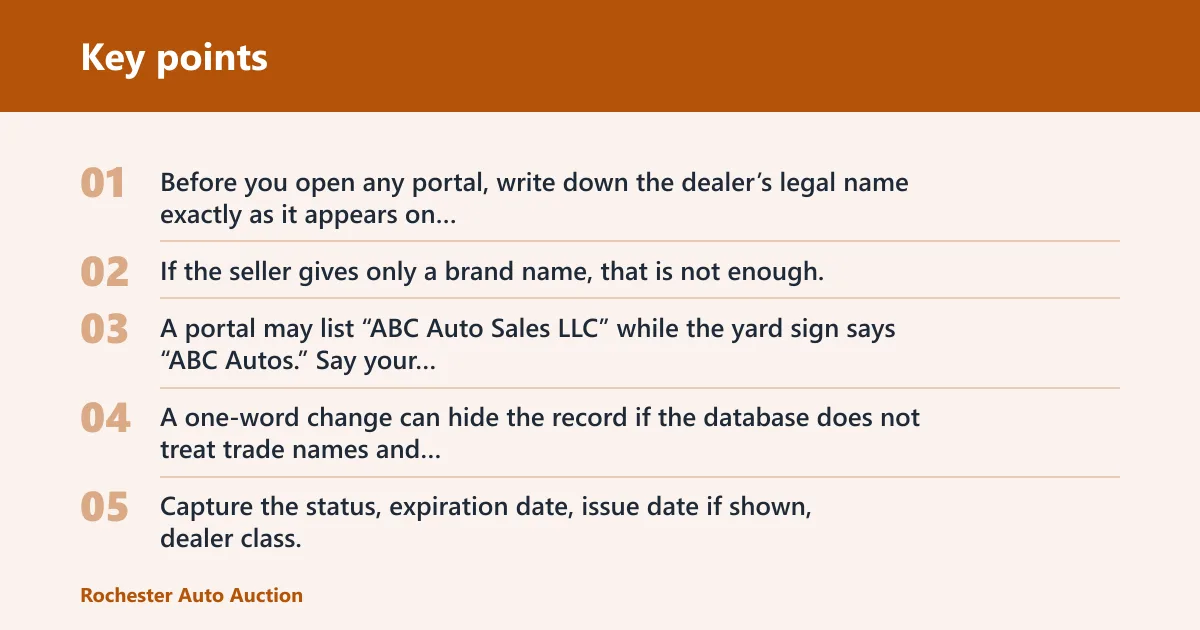
Before you open any portal, write down the dealer’s legal name exactly as it appears on paperwork, plus any DBA, the city, the state, and the license number if available. If the seller gives only a brand name, that is not enough. A portal may list “ABC Auto Sales LLC” while the yard sign says “ABC Autos.”
Say your quote sheet lists “Main Street Motors” but the state file uses “Main Street Motor Sales LLC.” Search both versions. A one-word change can hide the record if the database does not treat trade names and legal names the same way.
Fields to copy from the result
Capture the status, expiration date, issue date if shown, dealer class, and any enforcement or complaint notes from the result. If the record includes a license class, note that too. Those fields matter more than a simple yes-or-no result because they tell you whether the credential is current and whether the dealer can do the kind of transaction you need.
When to call the agency
If the portal returns no match, a partial match, or a record with confusing dates, call the issuing agency for manual verification. The state agency may be a DMV, Department of Revenue, Secretary of State, or consumer affairs office, depending on the state. Do not rely only on a third-party directory, a dealer’s word, or a scanned card.
What is a dealer license lookup?

A dealer license lookup is a search of the official state record for a licensed motor vehicle dealer. The goal is to confirm the dealer’s legal identity, license class, and current status before you buy, sell, or grant auction access. Use the issuing agency’s database or contact channel, not an outside directory. For VIN and theft-risk screening, the NICB’s VINCheck and related fraud resources are useful complements, but they do not replace the state license record: NICB VINCheck.
Why official state records matter
The official record comes from the agency that issued the license, so it is the source used to determine whether the dealer can legally operate. That is the file that matters if a transaction goes wrong. If the portal shows active today, that is stronger than a business card, a website footer, or a sales rep’s claim. Many states also publish searchable records through their own dealer-regulation pages, such as California DMV’s occupational licensing lookup and Texas DMV’s dealer search.
Why third-party sites are not enough
Third-party directories can be stale, incomplete, or built from copied data. They may also miss recent suspensions, renewals, or class changes. Use them only as a lead. The final check should come from the state portal or the licensing office itself, especially before auction entry or a wholesale purchase. For current regulatory status, state sources and auction house rules should be the deciding reference points.
Where do you search for the record?
Search the official public record portal for the state that issued the license. The agency name changes by state, and the lookup tool may sit under motor vehicles, revenue, commerce, business regulation, or consumer affairs. If the portal is unclear or returns an uncertain result, use the agency’s phone line or email for manual review. State dealer pages and license-search tools are the right source for status and class questions.
State agency names and portal types
Some states keep dealer records in a DMV database. Others place them with the Department of Revenue or the Secretary of State. A few use a consumer affairs or licensing office. The tool may be public, may require a business name search, or may only expose a limited license verification page. For example, California places dealer-related occupational licensing information with the DMV, Florida dealers are regulated through the Department of Highway Safety and Motor Vehicles, and New York’s dealer registrations run through the DMV.
The label on the website does not change the need for the same facts: legal name, dealer number, city, and state. If the state portal filters by license class, choose the correct dealer type before concluding that a record is missing. A useful shortcut is to search the agency’s site for “dealer license lookup,” “motor vehicle dealer search,” or “license verification” plus the state name.
When to use a contact number or email instead of the portal
Use the agency’s contact channel when the search result is blank, the name is too similar to another dealer, or the record looks recently changed. Manual verification is also sensible when a dealer says the license was renewed but the portal still shows an old expiration date. Do not assume the delay means the claim is true.
How to find the right state portal
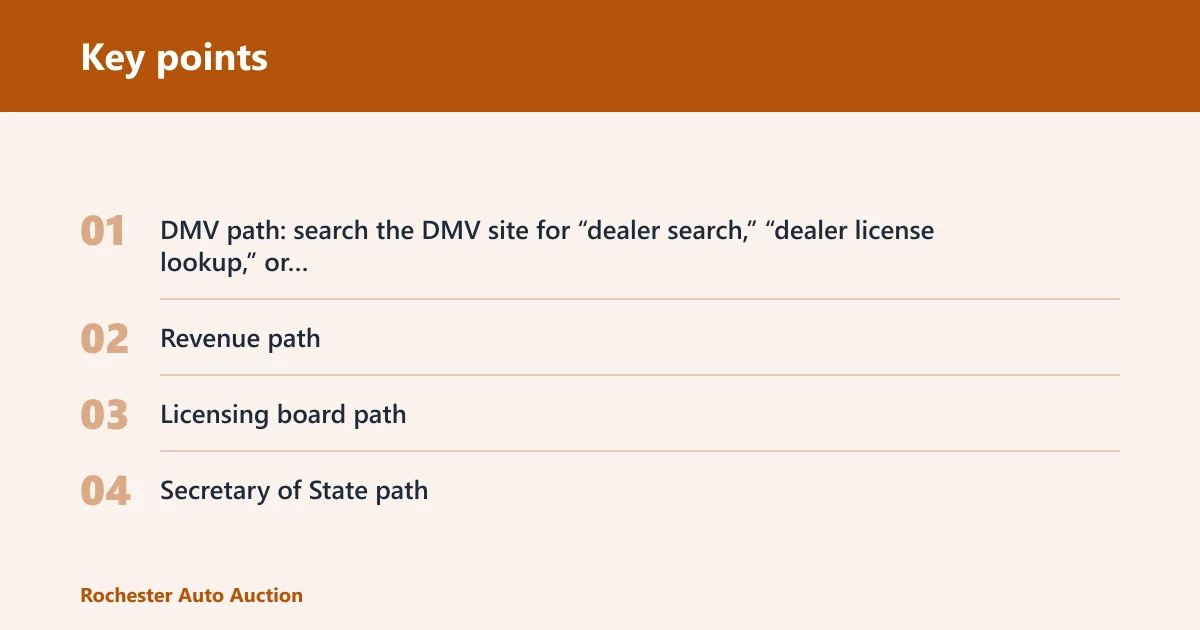
Start with the agency-name pattern. Search in this order: DMV, Department of Revenue, licensing board, Secretary of State, then consumer affairs or commerce. That short sequence covers most states without wasting time on private lookup sites. If the portal is not obvious, the agency page usually includes “business licenses,” “occupational licenses,” or “dealer licensing.”
- DMV path: search the DMV site for “dealer search,” “dealer license lookup,” or “occupational licensing.”
- Revenue path: search the Department of Revenue site for dealer registration, motor vehicle dealer, or sales tax registration records.
- Licensing board path: check the board that regulates motor vehicle dealers or used car dealers; some states place the record under professional licensing.
- Secretary of State path: use this when dealer records are tied to business registration or when the state points to business filings first.
Example search paths help narrow the work fast. In California, go through the DMV occupational licensing pages. In Texas, use the DMV dealer-related search tools. In Florida, start with DHSMV dealer licensing. If none of those agency names fit, the state’s “motor vehicle dealer” statute page or licensing index usually points to the right search portal.
How do you search by name or number?
Use the dealer license number first if you have it. If you do not, search by legal business name and then narrow by DBA, city, and state. A license number should give the cleanest result. A business-name search can still work, but name variations and city mismatches are common reasons a portal shows nothing.
Using the dealer license number
Enter the number exactly as written, including letters, dashes, or leading zeros if the portal accepts them. Some states call this a dealer number, license number, or dealer ID. If one search field rejects the format, try the agency’s alternate lookup page or contact the office for the correct input style.
Using the business name, DBA, or city
If you search by name, match the legal entity first. Then test the DBA if the trade name differs. Add the city when the portal offers it. This helps separate dealerships with similar names and cuts down false matches from merged results, old locations, or branch offices.
Suppose a wholesaler moved from one city to another and kept the same brand name. A search on the brand alone may return the old file, not the current one. The city field can tell you which record is current and which one is stale.
Fixing spelling and location mismatches
Check spacing, abbreviations, apostrophes, and corporate endings such as LLC or Inc. Compare the search form to the dealer’s legal paperwork. If the portal does not return a match, try the DBA, then the city, then the license number again. If the record still does not appear, the issue may be a merged file, a recent renewal, or a search in the wrong state.
How do you read the status?
Status is the core result. Active usually means the dealer is currently authorized, while expired, suspended, revoked, pending, or not found each carry a different risk. Check the status before you trade, release title, or allow auction access. Also note the expiration date and any enforcement notes, since those details change the meaning of the status. State licensing pages often define these fields, and auction houses commonly use them to decide entry.
Active
An active record usually means the dealer license is current in that state and class. For buying or selling, that is the starting point, not the finish line. Confirm the dealer type and expiration date too. Some auction houses still require proof of class-specific eligibility before they let the bidder in. For example, an auction may accept only a licensed dealer class that matches its seller-buyer rules and state compliance standards.
Expired
An expired record means the credential is out of date. In many states that means the dealer should not operate under that license until renewal is complete, but the exact legal effect depends on the state rule. For auctions, expired status often blocks entry or bidding rights immediately. If the state record still shows expired, treat the dealer as not currently cleared.
Suspended, revoked, or pending
Suspended and revoked are serious flags. A suspended license usually means the dealer’s authority is restricted or paused, while revoked usually means the authority was taken away. Pending often means the application or renewal is not final yet. None of those should be treated as a clean pass for a dealer-only transaction unless the agency confirms otherwise. State dealer rules and auction policies both matter here.
Not found and merged records
Not found does not always mean unlicensed. It can mean the record is under a DBA, the state file is in a different class, the city was entered wrong, or the agency has not posted a recent renewal yet. Merged records are another trap: a dealership may have old and current files tied together, and the portal may display the older one first.
A common first-timer mistake is stopping at “not found” and assuming the dealer is fake. That result should trigger a second pass on spelling, DBA, city, and state, then a call to the agency if the record still does not appear.
Dealer license lookup checklist
Use this checklist as the fast path from search to decision. It keeps the lookup tied to the fields that matter and prevents you from relying on a partial result. Save the exact license details before you decide whether to proceed with a transaction or a dealer-only auction. If the result is unclear, the state record and the auction policy should be checked together.
- Write down the dealer’s legal name, DBA, city, state, and license number if available.
- Open the official state licensing database or public record portal for the issuing agency.
- Search by license number first, then by legal name and DBA if needed.
- Match the city and dealer type if the portal offers filters.
- Record the status, expiration date, issue date if shown, dealer class, and any enforcement notes.
- If the result is blank, mismatched, or unclear, contact the licensing agency for manual verification.
Dealer license lookup table
| Status | Plain-English meaning | Practical action | Auction access impact |
|---|---|---|---|
| Active | The license is current in the state record | Verify class, expiration date, and name match before proceeding | Often acceptable if the auction accepts that dealer class |
| Expired | The credential is past its renewal date | Pause the deal and confirm whether renewal was filed | Often blocked until the record is current |
| Suspended | The agency has limited the dealer’s authority | Do not treat the dealer as verified until the agency explains the status | Common reason for denial |
| Revoked | The license has been taken away | Stop and verify with the agency before any transaction | Usually disqualifying |
| Pending | The application or renewal is not final | Wait for final agency confirmation | Often rejected until approval posts |
| Not found | No match in the portal, or the search inputs do not align | Check DBA, spelling, city, state, and license class; then call the agency | Should not be treated as proof of eligibility |
What does the result mean for auction access?
Dealer-only auctions often require proof of an active license in the correct class. A dealer may be licensed for retail sales but not for the class the auction requires. Temporary, expired, suspended, revoked, or not-found records can all block access. The auction’s policy, plus the state record, decide the final answer.
Dealer class limits
License class matters. Franchise, independent, wholesale, retail, used car, motorcycle, and salvage are not interchangeable in every state. An auction may allow one class and deny another, even if both are active. Read the dealer class on the state record, then compare it to the auction’s entry rules before you show up. Auction houses publish these class gates in their buyer policies, and they can differ by lane or sale type.
Active proof and entry rules
Some auctions want the license number, business name, and an active status printout. Others verify the dealer directly against the state record. If the portal shows a recent renewal but no updated expiration date, the auction may still refuse entry until the official file changes. A phone call to the agency can settle that faster than a guess.
Examples of auction policy sources include Copart’s dealer registration and bidder requirements, Manheim’s dealer registration rules, and ADESA’s buyer eligibility pages. Their policies usually spell out whether a dealer must be active, what class qualifies, and what proof is required at check-in.
When an auction may reject access
An auction may reject access when the business name does not match the license file, when the license class is wrong, when the status is expired or pending, or when the record cannot be confirmed. Temporary paper documents may help in some states, but they are not a substitute for the agency record unless the auction and state both accept them.