What Is the Final Bid Price on Copart?
Copart’s final bid price is the winning auction bid only. It does not include buyer fees, taxes, title paperwork, or transport. Miss those add-ons and a low-looking win can cost far more than planned. This guide shows how to turn the final bid into a real all-in budget before you bid.
How final bid differs from sale status
Copart’s final bid is the highest accepted bid when the auction closes on that lot. It is the auction-only selling amount, tied to the sale date and lot status. It is not the same thing as your total amount due after winning.
That distinction matters because the record can show a vehicle as sold while the final bid stays separate from all later charges. Copart lot records usually include the lot number, VIN, sale date, status, and condition fields such as damage type, odometer, and runs-and-drives status.
When the number is null
A final bid can be blank or null when the auction has not ended or when the lot did not sell. Vehicle API says final_bid is null in those cases, which is why an unfinished lot, a reserve-not-met result, or an unsold outcome should not be read as a true sale price.
Sold, unsold, and reserve-not-met cases
If a lot sells, the final bid records the winning amount and the status should show sold. If the seller reserve is not met, the lot can close without a sale even though bidding happened. In that case, the public record may still show bids, but not a completed sale price.
How Copart reserves change the result
A seller reserve is the lowest amount the seller will accept. If the top bid stays below that reserve, the lot can remain unsold even though bidding reached a visible high point. That is the main reason a strong bid history does not always become a sold result.
Reserve price basics
The reserve price sits behind the scenes until bidding reaches it or passes it. If it is met, the lot can sell at the winning bid. If it is not met, the seller can keep the vehicle, accept a later offer, or relist it in a later sale.
What happens when reserve is not met
When reserve is not met, the highest bid may still appear in auction history, but the lot can remain unsold. That means you should read the lot status, not just the top bid, before treating the number as a sold result. A strong bid with no sale is a warning, not a bargain signal.
How reserve affects the public record
The public record can show a lot’s bidding activity, yet the final sold price may be absent if the reserve held. This is one of the common reasons a vehicle appears in bid history more than once. A relisted lot may have one unsold appearance, then a later sold appearance at a different final bid.
Does the final bid include fees?
No. The final bid typically does not include buyer fees, taxes, title paperwork, storage, transport, or location-based charges. The auction result tells you what won the lot, but your budget needs the full landed cost after those extras are added.
Buyer fees and internet fees
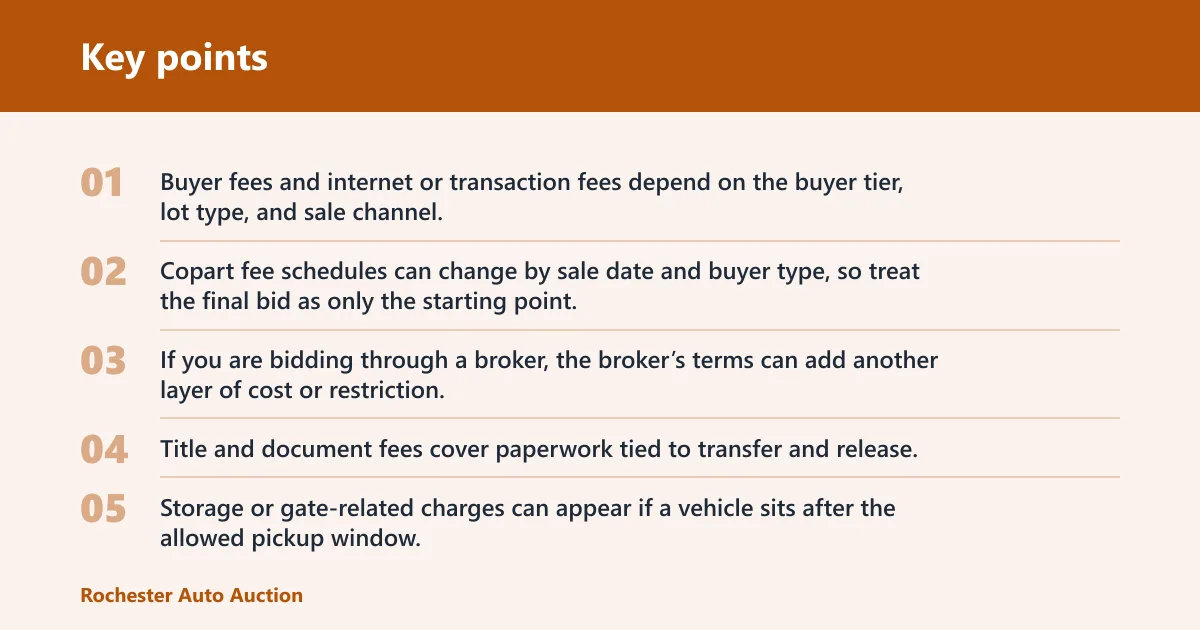
Buyer fees and internet or transaction fees depend on the buyer tier, lot type, and sale channel. Copart fee schedules can change by sale date and buyer type, so treat the final bid as only the starting point. If you are bidding through a broker, the broker’s terms can add another layer of cost or restriction.
Title, document, storage, and gate charges
Title and document fees cover paperwork tied to transfer and release. Storage or gate-related charges can appear if a vehicle sits after the allowed pickup window. Those charges are not part of the final bid, but they can change the total quickly on a heavy lot or a slow pickup.
Taxes and location-based costs
Sales tax and other local charges depend on the sale location, buyer type, and title rules. You should check the lot’s location and the buyer profile before you treat a winning bid as final budget. The same final bid can lead to very different total costs in different states or provinces.
Say a lot closes at a $4,200 final bid, but the buyer fee, title fee, tax, and transport push the landed amount much higher. The auction result still stays $4,200. The real question is whether the total fits your ceiling after every charge is added.
Copart cost worksheet
Use this worksheet before you place a bid. Fill in the fee lines from the lot page, your buyer account, and your transport quote, then compare the total landed cost with your maximum budget.
| Cost item | Example amount | Notes |
|---|---|---|
| Final bid | $4,200 | Winning auction amount only |
| Buyer fee | $650 | Depends on buyer tier and lot type |
| Internet/transaction fee | $79 | Can vary by sale channel or broker |
| Title/document fee | $95 | Paperwork and processing charge |
| Storage | $120 | Use only if pickup is delayed |
| Transport | $480 | Get this from your carrier quote |
| Tax | $336 | Use the rate that applies to your purchase |
| Total landed cost | $5,960 | Add every line before you bid |
How to use this worksheet: put the current final bid in the first row, then add each fee that applies to your buyer profile and pickup plan. If a line is not yet known, leave it blank until you confirm it. Do not treat the final bid as the amount you owe.
Where can you find the final sold price?
You can find the final sold price by searching a Copart lot number or VIN in the bid history tied to that record. Mashcar says it provides final bid history for more than 2.5 million salvage vehicles and that its database includes verified final bid prices tied to VIN or lot number searches.
VIN lookup
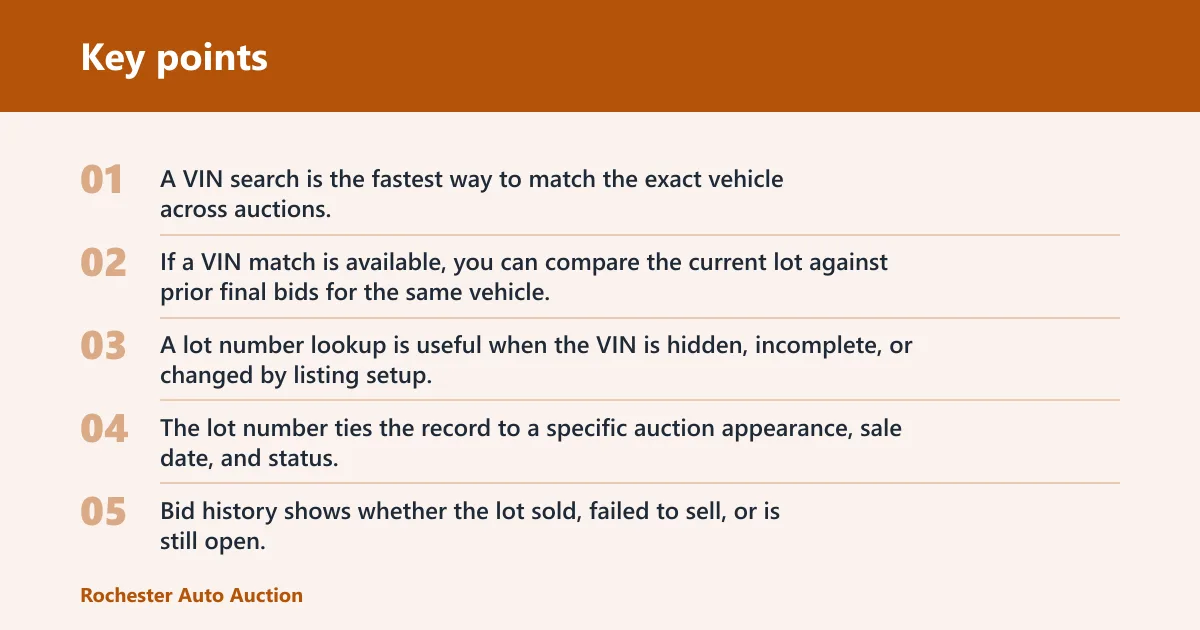
A VIN search is the fastest way to match the exact vehicle across auctions. The same source says users can search by VIN, lot number, make, or model, and that each record can include auction photos, vehicle condition, and damage type. If a VIN match is available, you can compare the current lot against prior final bids for the same vehicle.
Lot number lookup
A lot number lookup is useful when the VIN is hidden, incomplete, or changed by listing setup. The lot number ties the record to a specific auction appearance, sale date, and status. That matters when the same vehicle appears again after a reserve-not-met close or a relist.
Bid history and sale date
Bid history shows whether the lot sold, failed to sell, or is still open. The sale date marks the auction timestamp when the final bid was recorded. The same source says its data is sourced directly from Copart auction records, and Vehicle API says its Copart coverage includes lots, bids, final bids, photos, and history.
Suppose a sedan appears with the same VIN in two sales three weeks apart. One appearance shows a reserve-not-met close, and the later appearance shows a sold result at a different final bid. That difference is useful, because it tells you the market moved or the seller changed the reserve.
How to read the lot record
The lot record is more useful when you read it as a set, not as one number. Year, make, model, damage type, odometer, runs-and-drives status, sale date, and status all help you judge whether a final bid is a good comparison point or a bad one.
Vehicle condition fields
Damage type tells you why the vehicle entered the auction. That may be collision, theft recovery, flood, mechanical, or another condition label used by the record source. The same source says each record can include auction photos, vehicle condition, and damage type, which makes the bid easier to judge in context.
Odometer and runs-and-drives status
Odometer reading and runs-and-drives status can move the bid sharply. A 92,000-mile SUV marked runs and drives is a different buying problem from the same model with unknown miles and a no-start note. Always compare those fields before using a past final bid as a value guide.
Sale date and auction timestamp
Sale date tells you when the winning bid happened. That timestamp matters because values move over time, especially for newer models, desirable trims, and repairable flood lots. A final bid from six months ago can be useful, but only if the condition and sale context still line up.
Why the final bid can differ from the listing price
The listing price is an ask or a starting point, while the final bid is the actual winning amount at auction. Those numbers can be far apart because live bidding reacts to demand, condition notes, reserve pressure, and how many buyers want the same lot that day.
Live bidding versus listing price
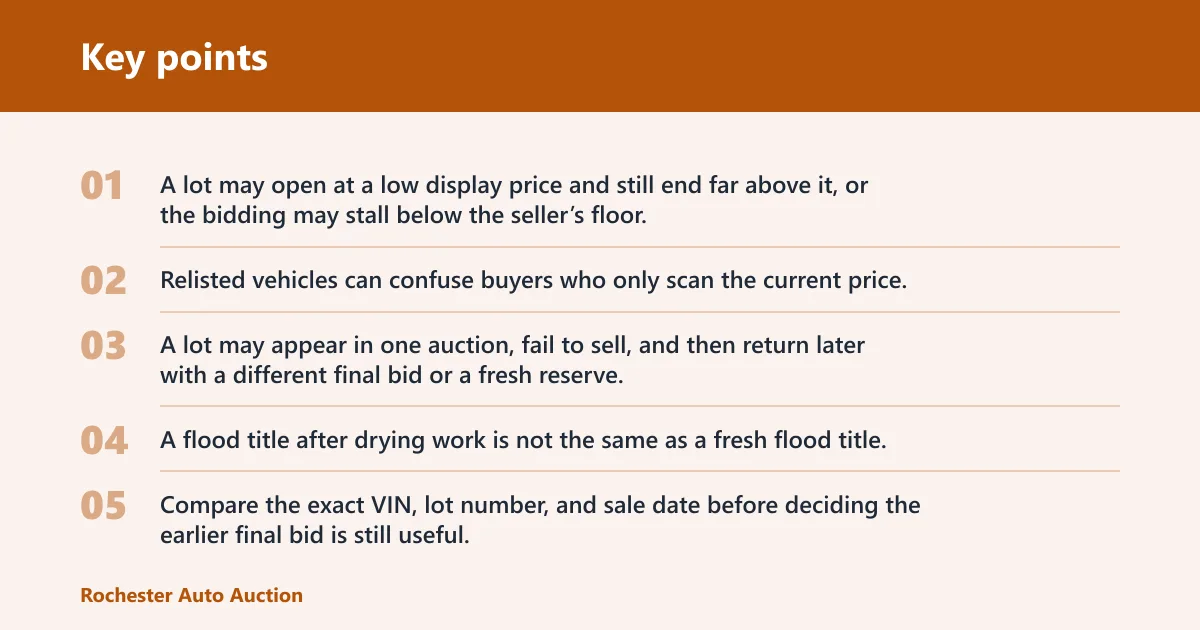
A lot may open at a low display price and still end far above it, or the bidding may stall below the seller’s floor. The same source says it displays lots with a starting result as low as $1 in its new arrivals list, which shows how little the opening number tells you about the final sold amount.
Relisted lots and multiple auction appearances
Relisted vehicles can confuse buyers who only scan the current price. A lot may appear in one auction, fail to sell, and then return later with a different final bid or a fresh reserve. That is why bid history should be checked before you assume the current listing tells the full story.
Why the same vehicle can sell for a different amount later
The same vehicle can bring a different amount later because the condition note changed, the market moved, or the buyer pool changed. A flood title after drying work is not the same as a fresh flood title. Compare the exact VIN, lot number, and sale date before deciding the earlier final bid is still useful.
What bid limits mean on Copart
Copart bidding can stop at a maximum allowed bid set by your account type, broker, or membership level. If you try to exceed that cap, the system can block the bid or show an enforcement message. That limit protects the platform and also keeps buyers inside their approved range.
Maximum allowed bid
Your maximum allowed bid is not the same as your budget. It is the largest bid the system lets you place. Set your own ceiling below that cap after you add fees, tax, storage risk, and transport, or you can win a lot you cannot afford to remove.
Broker and membership constraints
Some buyers need a broker or a specific membership level to bid on certain lots. That can affect whether you can bid at all, the size of your allowed bid, and the fees you owe if you win. Check the lot’s access rules before you rely on the final bid history as a simple buy signal.
Enforcement messages and blocked bids
If Copart rejects a bid, the message usually points to a limit, approval, or account issue. Treat that message as a stop sign, not a warning to keep clicking. It means your bid did not meet the current platform rule, even if the final bid on the lot later looks affordable.
- Check the exact lot. Use the VIN or lot number, then confirm year, make, model, damage type, odometer, and runs-and-drives status. Those details decide whether the final bid is a fair comparison or a misleading one.
- Read the sale result. Look for sold, unsold, reserve-not-met, or not-ended status before you trust any bid number. A final bid only means something as a sale result when the auction actually closed and the lot sold.
- Add every cost line. Build your own landed-cost total with buyer fee, transaction fee, title/document fee, storage risk, transport, and tax. If the total crosses your ceiling, stop there.
- Compare prior bid history. Search the same VIN or lot pattern to see whether earlier final bids were higher, lower, or absent. That helps you spot odd pricing before you commit to a live bid.
Frequently asked questions
What is the final bid price on Copart?
It is the highest accepted bid when the auction closes on that lot. It shows the auction-only winning amount, not the full amount owed after fees, taxes, paperwork, or transport. If the auction is unfinished or the lot did not sell, the final bid can be null.
Is the final bid price the same as the winning bid on Copart?
Yes. The final bid is the winning bid amount on a sold lot. It records what the real buyer paid at auction, but it still stops short of the total out-the-door cost because Copart fees and other charges are added later.
Does final bid price include Copart fees and taxes?
No. Buyer fees, internet or transaction fees, title and document charges, storage, transport, and taxes sit outside the final bid. Those items can change the total a lot, so your budget should start with the final bid and then add each extra line.
Where can I check a Copart vehicle’s final sold price?
Search by VIN or lot number in bid history or auction records, then match the sale date and status. The same source says it provides verified final bid prices tied to VIN or lot number searches, and Vehicle API says Copart records include lots, bids, final bids, photos, and VIN search.
Why is the final bid different from the listing price?
The listing price is a public starting point or ask, while the final bid is the auction result. Live demand, reserve settings, condition notes, and relists can move the number up or down. The same vehicle can bring a different final bid in a later auction.
How do Copart reserves affect the final bid price?
If the seller reserve is met, the lot can sell and the final bid becomes the winning amount. If the reserve is not met, the lot may stay unsold even with active bidding. That is why a visible high bid is not always the same thing as a sold price.
Can a lot have a final bid even if it didn’t sell?
It can have bidding history, but the final bid field may be null if the auction did not end in a sale. The same source says final_bid is null while the auction has not ended or when the lot did not sell. In that case, treat it as an unsold result, not a purchase price.
How can I estimate my all-in cost after winning on Copart?
Start with the final bid, then add buyer fees, internet or transaction fees, title and document fees, storage if pickup is delayed, transport, and tax. Use the worksheet above and compare the total landed cost with your ceiling before you place any bid.
How does copart bidding work?
Copart bidding works as an auction process where bids rise until time ends or the lot closes under reserve rules. The final bid is the last winning amount on a sold lot. If the reserve is not met or the auction is unfinished, the final bid can be null.
How to bid on copart live auction
For a live auction, confirm the lot number, sale date, and your maximum allowed bid before the clock starts. Keep your ceiling below your true all-in limit, because the winning bid is only one part of the cost. Fees, tax, and transport still follow the sale.