How to Use Buy Now on IAA Without Entering the Live Auction
Use Buy Now on IAA by opening the listing, checking that the button is still active, and clicking it before live bidding starts. If the listing moves into auction status or the option disappears, you may need to bid in the sale. Miss that step and you move into live bidding, where price can rise and the car may sell to someone else. This guide shows the click path, the stop points, and when a listing can still fall back to auction behavior.
What you’ll need
- An approved IAA buyer account with active access for bidding.
- A listing that actually shows a Buy Now or instant-buy option.
- A desktop or mobile device with access to IAA AuctionNow.
- Enough account access to open the vehicle page and complete the on-screen confirmation.
- A plan to stop if the listing no longer shows the instant-buy option.
Can you buy now without joining live bidding?
Yes, if the listing offers Buy Now, that is the separate path to use. You do not need to enter the live auction to take that route. Check the vehicle page first, because availability depends on the listing and seller settings.
IAA AuctionNow runs on desktop and mobile devices, and it lets you search vehicles, create watchlists, place pre-bids, and bid from anywhere. Those actions are separate from Buy Now. Watching a sale does not force you to bid.
How to use Buy Now on IAA
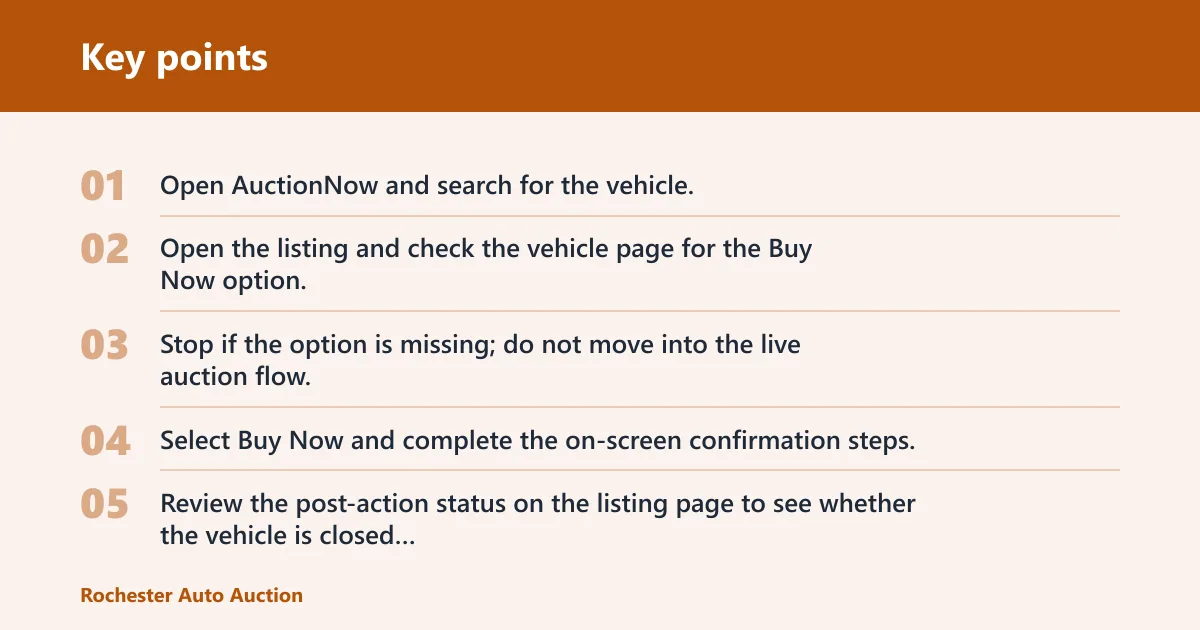
- Open AuctionNow and search for the vehicle.
- Open the listing and check the vehicle page for the Buy Now option.
- Stop if the option is missing; do not move into the live auction flow.
- Select Buy Now and complete the on-screen confirmation steps.
- Review the post-action status on the listing page to see whether the vehicle is closed or still moving through auction states.
Say your vehicle page shows a Buy Now button and no auction timer yet. Clicking the instant-buy option should move you through the purchase path without joining live bidding. If the page no longer shows that option, the listing is no longer available through that route.
What happens after you click Buy Now?
Right after you click Buy Now, the listing should show that a purchase action has started or completed on the vehicle page. That does not mean every auction state disappears at once. If the listing still has reserve or auction status behavior attached to it, the page can keep showing sale-related updates until the seller-side outcome is final.
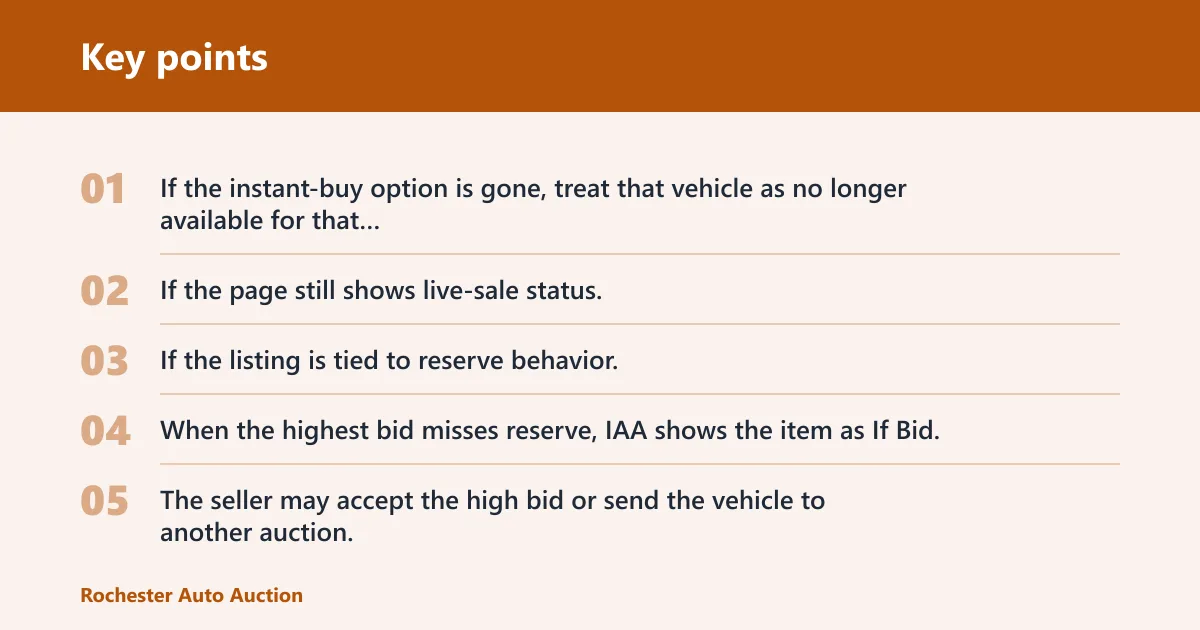
The safest check is the listing itself. If the instant-buy option is gone, treat that vehicle as no longer available for that path. If the page still shows live-sale status, the vehicle may still be moving through its auction process rather than sitting in a finished buyer state.
What a seller can still do
If the listing is tied to reserve behavior, the seller can still control the final sale outcome until the reserve is resolved. When the highest bid misses reserve, IAA shows the item as If Bid. The seller may accept the high bid or send the vehicle to another auction. If reserve is met, the listing may show RESERVE OFF.
High bidding activity can restart the countdown. The countdown bar also changes color during bidding, so the page can keep moving if the sale is still active. That is why you should rely on the listing status, not on a guess about whether the car is already finished.
Buy Now vs pre-bid vs live bid on IAA
| Action | Where it happens | Is live auction entry required? | Status the buyer sees | Main risk or failure case |
|---|---|---|---|---|
| Buy Now | Vehicle page in AuctionNow | No, when the option is available | Purchase or sale status tied to the listing; the Buy Now option disappears after use | The listing may not be eligible, or the seller settings may remove the option before you click |
| Pre-bid | Inside AuctionNow before the live auction begins | No, but it is still a bidding action | Pre-bid recorded on the listing before sale time | The pre-bid can be outdone later when live bidding opens |
| Live Bid | Digital auction environment in AuctionNow | Yes, if you choose to bid during the sale | Live auction status, including bid movement and countdown changes | High bidding activity can restart the countdown and push the sale past your price |
What do you need before you start?
You need an approved buyer account before you can bid in IAA auctions. Public buyers can register as individuals. Licenced business buyers must submit licence documents for verification. Account activation may happen after support review, so an account may not become active immediately after it is created.
Buy Now still depends on the listing. Even with an active account, confirm that the specific vehicle shows the instant-buy option before you proceed. Use a desktop or mobile device, open AuctionNow, and verify the listing page before tapping anything that could move you into live sale behavior.
How to register or activate a buyer account
- Choose the public buyer path or the licenced business buyer path.
- Submit the required registration details through the account process.
- For a licenced business buyer, include licence documents for verification.
- Wait for support review and activation before trying to bid.
Can you watch an auction without bidding?
Yes. Buyers can observe a live auction without bidding, which helps when you want to watch activity before deciding whether to buy now or wait. Watching is not the same as placing a pre-bid, and it is not the same as joining live bidding. It is simply observation inside AuctionNow.
A common first-timer mistake is treating watch mode like a purchase path. It is not. If you only want to see how the listing behaves, open the live auction and observe. If you want to buy outright, stay on the listing page and look for the Buy Now option instead.
What does it mean when an IAA listing shows If Bid?
If Bid means the highest bid has not reached reserve. In that case, the item is still in a seller decision state, not a completed sale. The high bidder sees an orange overlay, and all other bidders see a gray overlay. The seller can accept the bid or send the vehicle to the next auction.
Reserve price is the seller threshold that must be met for sale. When the reserve is not met, the listing may show If Bid. That status change tells you the seller threshold has been cleared, but it does not replace the need to read the listing carefully.
How to tell the difference between If Bid and a finished buy now
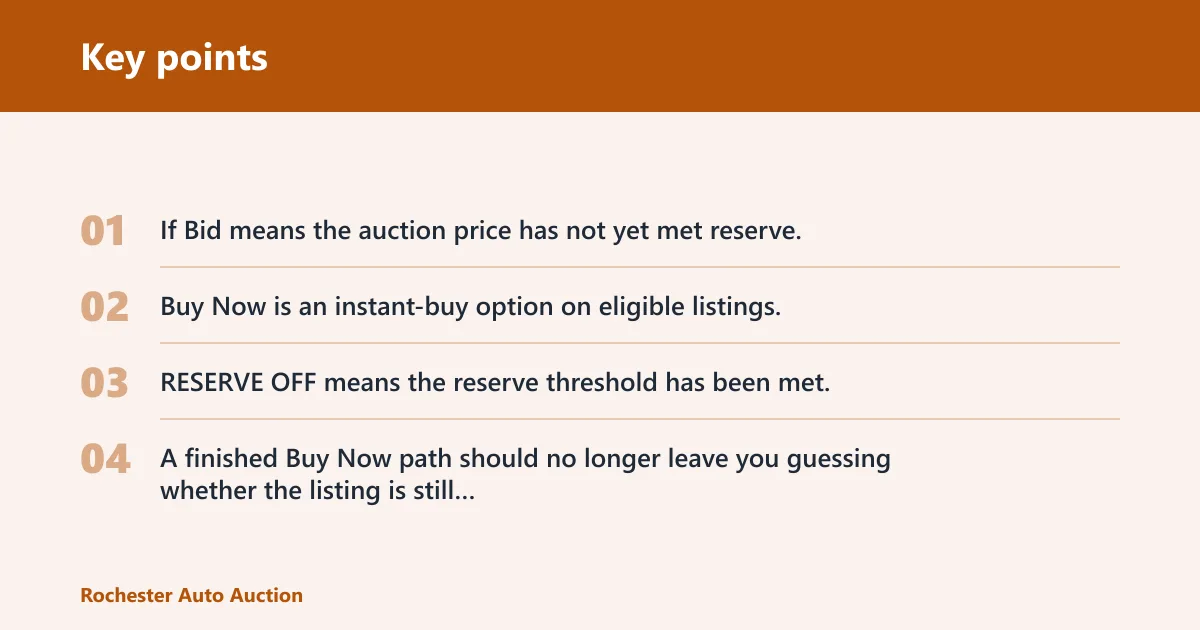
- If Bid means the auction price has not yet met reserve.
- Buy Now is an instant-buy option on eligible listings.
- RESERVE OFF means the reserve threshold has been met.
- A finished Buy Now path should no longer leave you guessing whether the listing is still open for the same instant-buy action.
Common mistakes to avoid
Do not confuse watching with buying. Do not assume every listing supports Buy Now. Do not click into live bidding if the goal is an instant purchase, because that can move you into a sale path with changing price and countdown activity.
- Check the listing page first, not the auction lobby.
- Confirm the Buy Now option is visible before you act.
- Stop if the listing has already moved into live auction behavior.
- Read If Bid, reserve, and countdown status before assuming the vehicle is finished.
Suppose a listing still shows an active countdown and you only want the instant-buy route. Stay on the vehicle page and use Buy Now only if the option is still there. If the option disappears, do not try to force the purchase through live bidding.
Before clicking, confirm three points: your account is approved, the listing is eligible, and the Buy Now option is visible. That three-step check keeps you from entering the live sale by accident.
Frequently asked questions
Can I buy now on IAA without entering the live auction?
Yes, when the listing shows Buy Now and the option is still active. Open the vehicle page in AuctionNow, confirm the instant-buy button, and complete that path before live bidding starts. If the button is gone, the listing is no longer available through that route.
What happens if I use Buy Now on an IAA listing?
The listing should move through the purchase flow tied to that vehicle page, and the Buy Now option should no longer remain available for the same item. Afterward, check the status on the listing page to confirm whether the sale is finished or still carrying auction-related behavior.
Do I need to be registered to use Buy Now on IAA?
Yes, use an approved buyer account before attempting any bidding action. Public buyers register as individuals, while licenced business buyers submit licence documents for verification. Account activation happens after support review, so use the listing only after your access is active.
Can I watch an IAA auction without bidding?
Yes. Buyers can observe the live auction without placing a bid. Watching lets you follow the countdown, bid activity, and status changes inside AuctionNow while staying out of the sale itself. It is a viewing action, not a purchase or pre-bid.
Will Buy Now end the listing immediately on IAA?
It can end the instant-buy path on that listing, but you still need to check the page after the action. Some listings may continue to show auction-related states until the seller-side outcome is fully settled, especially when reserve behavior is still in play.