What Are the Copart Bidding Requirements Before You Bid?
Before you bid at Copart, you need an active account, the right buyer type for that lot, and any required license or broker approval; some vehicles are restricted to licensed or approved bidders only. Some accounts also need a deposit or other account standing that sets how much bidding power you have, so the amount you can bid may depend on what Copart allows for that account. Skip that check, and your bid can be blocked, canceled, or leave you paying fees for a purchase you cannot complete. This guide walks through a pre-bid readiness checklist so you can confirm you are actually allowed to bid before you place an offer.
Membership, licenses, and account setup
You need more than a login. A Copart membership, an approved buyer type, account verification, and enough account standing to place bids all have to line up before the system will accept your offer. Some lots also require a dealer license or broker access, and your bidding power may also depend on a deposit or other account approval, so the account needs to match the lot’s rules, not just your payment plan.
Copart membership basics
Copart membership is required before bidding. A guest browsing lots is not the same as a member with bidding access, and the account setup can affect what you can view, bid on, and pay. Buyer type also matters because it can change access levels and fees.
Buyer type and license checks
Retail buyers, dealers, dismantlers, exporters, and broker-assisted bidders may not have the same permissions. To check your exact eligibility, review the buyer type or approval status shown in your account and compare it with the lot rules before bidding. That means the question is not only “Do you have an account?” but also “Does this account qualify for this lot?” If the lot is restricted, the platform may reject the bid even if the number is high enough.
Account setup and verification
Before bidding, make sure your profile is complete, your identity details match your payment records, and any required approvals are in place. A bid can fail at the account level if the profile is incomplete, the buyer category is wrong, or the account has not been cleared for that sale type.
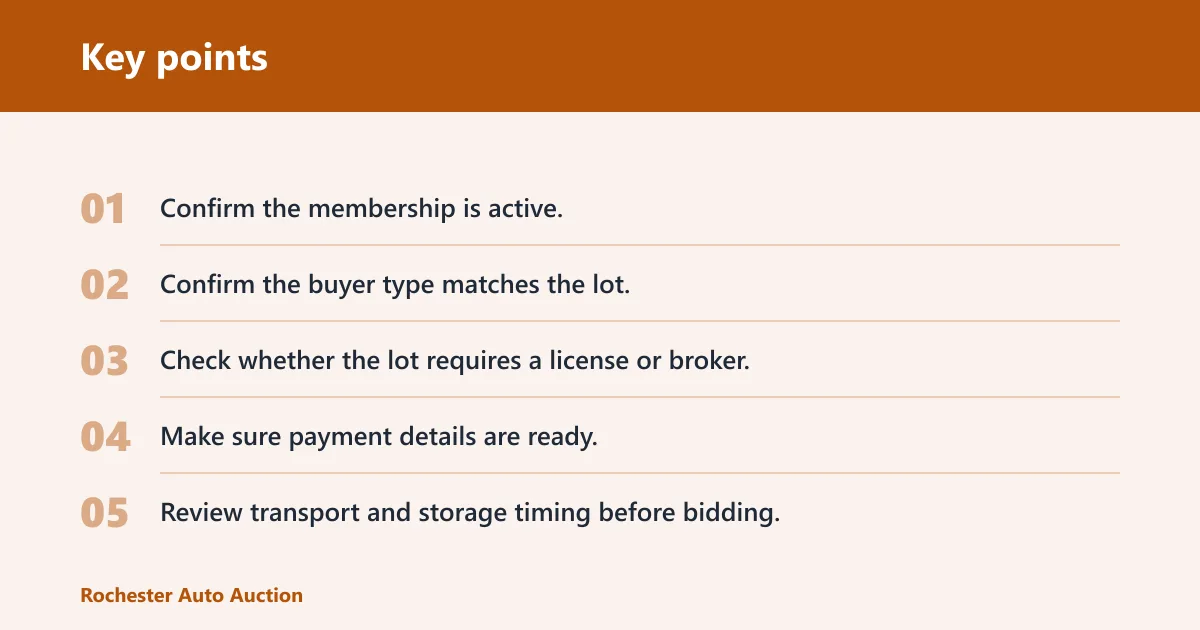
- Confirm the membership is active.
- Confirm the buyer type matches the lot.
- Check whether the lot requires a license or broker.
- Make sure payment details are ready.
- Review transport and storage timing before bidding.
Can you bid on Copart without a dealer license?
Sometimes yes, sometimes no. Some Copart lots can be bid on by retail buyers, while others are restricted to licensed dealers or approved bidders. The dealer license question is separate from membership: you can have an account and still be unable to bid on a specific lot if the sale category requires dealer-level access.
Retail buyer access
Retail access depends on the lot and the account type. If a lot is open to retail bidding, you still need the right membership and a working payment method. If the lot is not open to retail bidders, your account may be blocked from entering a bid no matter how ready you are to pay.
Dealer-only restrictions
Dealer-only lots are common enough that you should check the lot rules before you build a max bid. A restricted sale can shut down bidding before the auction ends. That is why license status is a pre-bid issue, not a post-sale surprise.
When a broker or bidding service is involved
If you do not have the required access, a broker or bidding service may place bids through an account that does qualify. That does not remove the restriction; it changes who is allowed to submit the bid. You still need to understand the service’s own rules, fees, and payment requirements before entering the auction.
Copart bid limit basics
Copart bidding limit means the maximum amount your account can submit. If your offer goes over that ceiling, the system can return a “bid must not exceed bid limit” message and refuse it. The limit may come from your account status, buyer type, or the rules tied to a bidding service.
What the bid limit means in practice
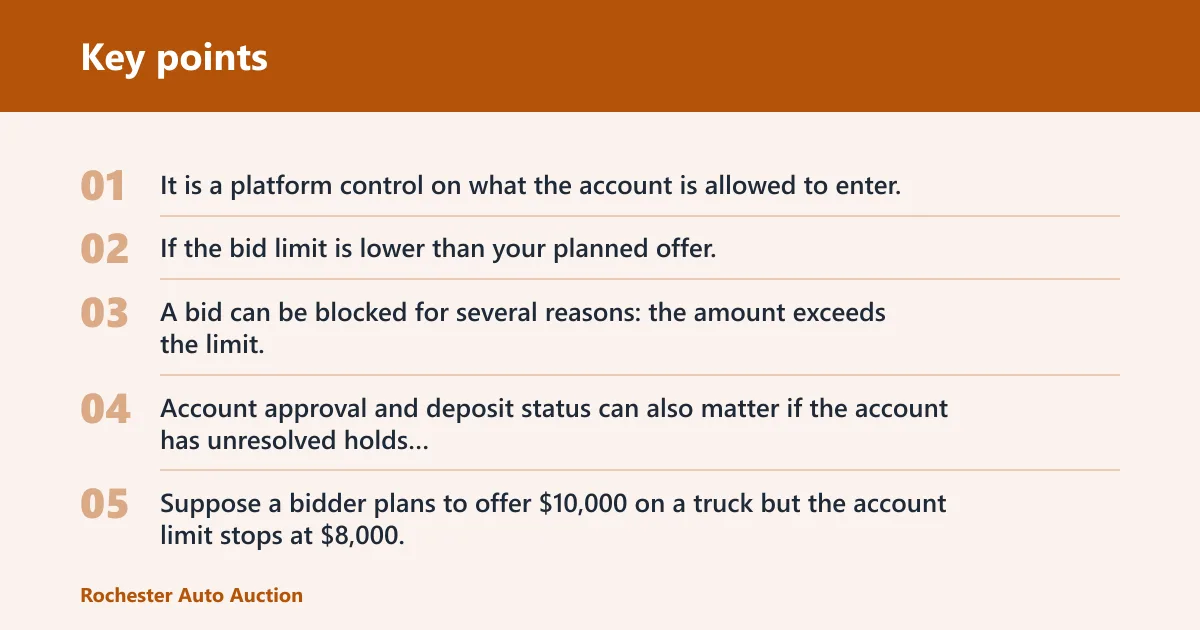
The limit is not the same as your budget. It is a platform control on what the account is allowed to enter, even if you can afford more. If the bid limit is lower than your planned offer, you have to request a higher allowance through the account or use a different approved path.
Why bids get blocked
A bid can be blocked for several reasons: the amount exceeds the limit, the account is not approved for the lot, or the platform sees a buyer type mismatch. Account approval and deposit status can also matter if the account has unresolved holds or missing information.
Suppose a bidder plans to offer $10,000 on a truck but the account limit stops at $8,000. The bid will not go through, even if the bidder has enough cash. The system checks authorization first, not intent.
How to check the limit in your account
Review the bidding section of the account before the auction starts. If the limit is lower than the number you want to submit, fix that early. Waiting until the lot is live is a common way to lose the chance to bid at all.
What sale status should you check first?
Sale status tells you whether the lot has a reserve, whether the highest bidder wins automatically, or whether a fixed-price option exists. Minimum Bid, Pure Sale, and Buy It Now mean very different things for how the auction can end and whether your offer is likely to be accepted.
Minimum Bid
Minimum Bid means the seller has set a reserve price. That reserve can keep the vehicle from selling even if your bid is the highest one shown. The seller may accept, counter, or let the lot pass without a sale if the reserve is not met.
Pure Sale
Pure Sale means no reserve is in place. In that setup, the highest bidder wins if the auction closes normally. That still does not remove fees or transportation issues, but it does remove the reserve-price uncertainty found on Minimum Bid lots.
Buy It Now
Buy It Now gives you a fixed price before the live auction starts, but it is only available on select lots. If you want the vehicle at that set price, you need to move before bidding opens. Once live bidding begins, that option may disappear.
A common first-timer mistake is assuming a bid can be placed without first confirming the buyer eligibility and deposit requirements. On a reserve lot, the seller can still reject the amount or counter it after the auction, so the winning screen and the final sale are not always the same thing.
What fees count before you bid?
Copart fees add to the winning bid, and they can change the true acquisition cost fast. You should include buyer fee, internet bid fee, gate fee, title/doc charges, environmental fees, and possible storage in your max-bid math. A winning bid is not the final number you will pay.
Buyer fee
The buyer fee sits on top of the hammer price and can be tiered by bid amount.
Internet bid fee
The internet bid fee is an online bidding charge that varies by fee schedule.
Gate fee and storage fees
The fee breakdown also may include a gate fee, an environmental fee, and a title processing fee. For storage, some yards may offer a short free window and then charge daily storage after that, but the timing and rate can vary by yard or current policy. If transport is delayed, storage can become a real cost before the car ever leaves the yard.
One published example shows an $8,500 winning bid becoming a $9,909 acquisition cost before transport or repairs. That gap is why max-bid math matters before you click submit.
Copart pre-bid checklist
Use this checklist before you place a bid. It focuses on the blockers that stop a bid from being accepted, not only on whether the price feels right. If any one item fails, the account may be unable to bid or may create a purchase you cannot complete.
| Requirement | Why it matters | What to verify in the account | What blocks bidding |
|---|---|---|---|
| Membership status | Copart membership is required before bidding | Active member account, logged in, bidding access enabled | Expired, inactive, or incomplete membership |
| Buyer type and license | Buyer type affects access and fees | Retail, dealer, broker-assisted, or other approved category | Wrong buyer type for the lot or missing license approval |
| Bid limit | The platform can reject bids above the cap | Maximum bid amount available for that account or service | “Bid must not exceed bid limit” message |
| Payment method | You need a way to complete the purchase | Approved payment details and no account hold | Missing, invalid, or unapproved payment setup |
| Transport plan | Storage can start after a grace period | Tow, carrier, or pickup plan ready before auction ends | No pickup plan and storage fees begin to stack |
| Auction status | Sale type changes how bids are handled | Minimum Bid, Pure Sale, or Buy It Now status checked | Wrong sale assumption, reserve not met, or fixed price gone |
What should you check on a Copart lot before bidding?
Check the sale status, condition code, photos, and any notes tied to the lot before you bid. The goal is not only to judge value but to confirm that the vehicle fits your account, your budget, and your transport plan. A good bid can still turn into a bad buy if the lot details are ignored.
Condition code
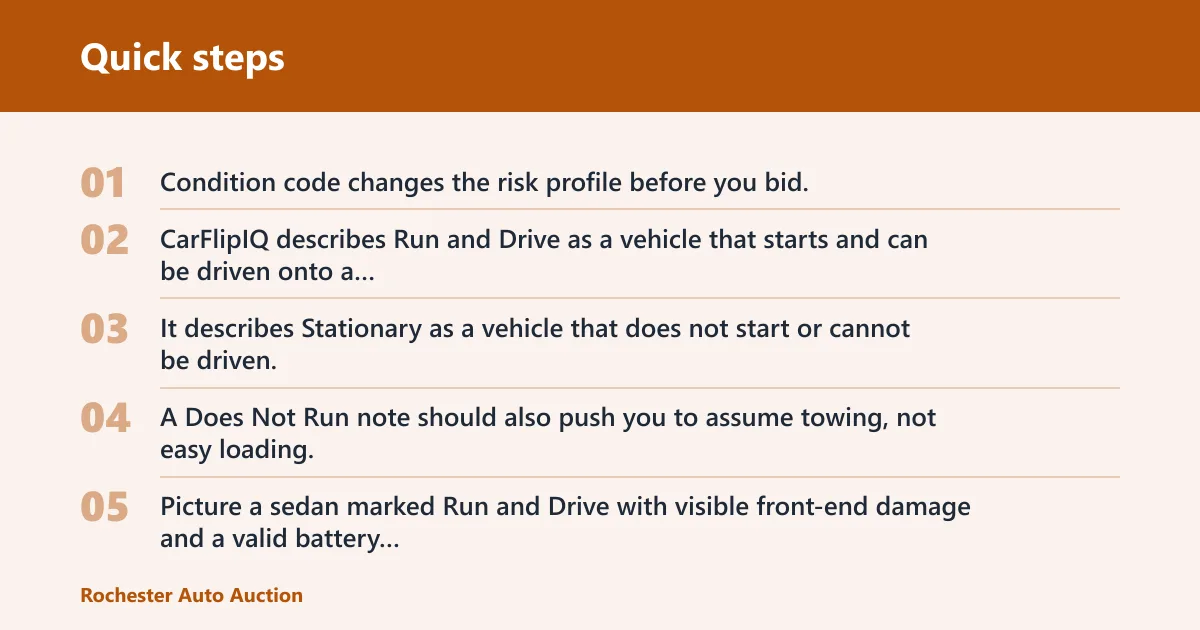
Condition code changes the risk profile before you bid. CarFlipIQ describes Run and Drive as a vehicle that starts and can be driven onto a trailer. It describes Stationary as a vehicle that does not start or cannot be driven. A Does Not Run note should also push you to assume towing, not easy loading.
Picture a sedan marked Run and Drive with visible front-end damage and a valid battery jump point. That still does not mean it is road-ready. It means the vehicle can be moved onto a trailer, which is a much narrower claim than “good to drive home.”
Lot notes and photos
Use the photos and lot notes to check for missing parts, body damage, flood signs, or warning labels that affect repair cost. Condition codes do not replace a full lot review. They only tell you the broad movement status, not the whole story.
Transport and storage timing
Have a transport plan ready before you bid. If you win and cannot move the unit quickly, storage fees can start after the free window. That can change a profitable buy into a costly one very fast.
How to bid on Copart starts with readiness, not the click itself: confirm your account, check the sale rules, verify the bid limit, and include fees and pickup timing in the number you are willing to pay. If any part of that chain is missing, the bid may never reach the auction floor.
Frequently asked questions
What do I need before I can bid on Copart?
You need an active Copart membership, the right buyer type, and any required license or broker approval for the lot you want. You also need a bid limit that can handle your target offer, deposit approval or account standing if required for your account, and a transport plan that keeps storage from becoming a surprise cost.
How do I register before bidding on Copart?
Register by creating the member account, completing the required profile details, and selecting the correct buyer type for your situation. Then check whether your account needs extra approval before it can bid on the specific lot category. Do not wait until auction time to discover a missing step.
Can anyone bid on Copart without a dealer license?
Not on every lot. Some vehicles can be bid on by retail buyers, while others require dealer-level access or an approved broker. The dealer license issue depends on the lot rules, so membership alone does not guarantee bidding access.
Can I bid on Copart without a membership?
No. Copart membership is required before bidding. Without an active member account, you may be able to view listings, but you cannot place a valid bid. The account also needs the right buyer type and approval level for the lot you want.
Do I need a bidding broker or bidding service for Copart?
Only if your own account does not qualify for the lot or you need help placing bids under a permitted buyer category. A broker or bidding service can add access, but it can also add fees and account rules. Check whether the service’s limit and permissions match the lot before relying on it.
What does bid must not exceed bid limit mean on Copart?
It means the amount you tried to submit is higher than the maximum allowed for that account or bidding service. The platform rejects the bid instead of lowering it for you. If you see that message, you need to raise the limit or lower the offer before trying again.
What happens if I win a Copart auction but don’t have transport ready?
You may start paying storage fees after the free storage window, and the longer the unit sits, the more that cost can grow. Storage timing and rates can vary by yard or current policy, so have pickup arranged before you bid.