How Does Copart Bidding Work From Registration to Checkout?
Copart bidding follows a fixed sequence: create an account, complete approval, place bids or use Buy It Now, win, pay the invoice by the deadline, then arrange pickup and vehicle release. Miss a step, and you can lose the vehicle, face fees, or delay release. This guide walks through each stage from registration to checkout.
What you’ll need before bidding
Before you bid, Copart usually wants an approved account, identity details, a payment method that matches the listing rules, and access rights for the lot you want. The exact bidder requirements vary by membership level and by location, so approval can be the real gatekeeper, not the bid button.
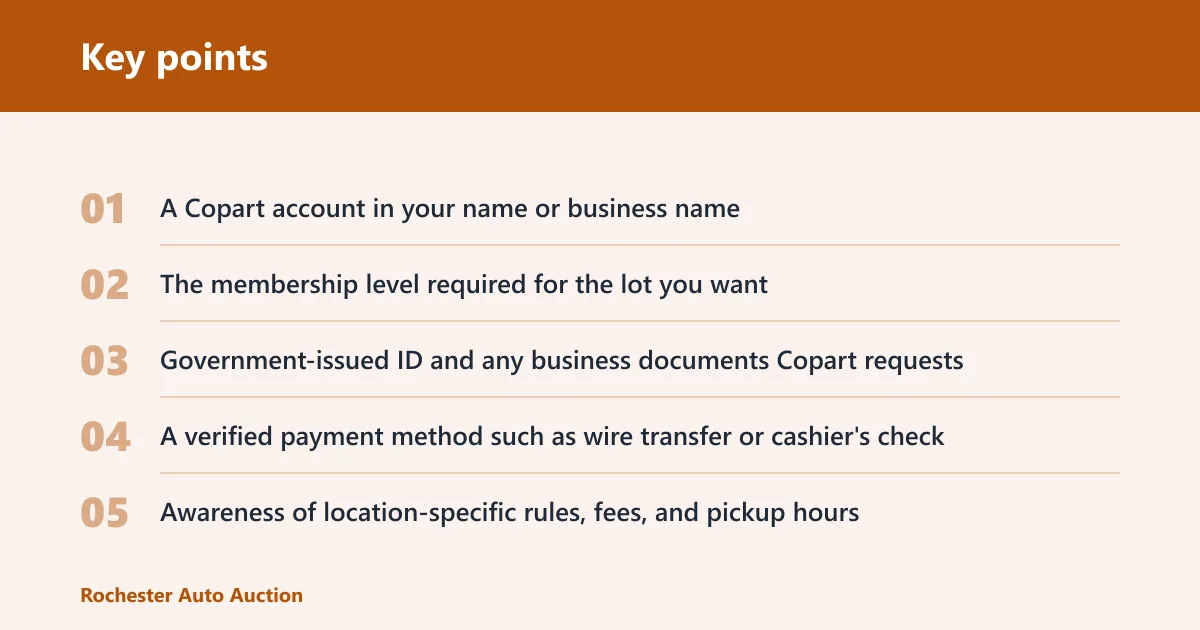
- A Copart account in your name or business name
- The membership level required for the lot you want
- Government-issued ID and any business documents Copart requests
- A verified payment method such as wire transfer or cashier’s check
- Awareness of location-specific rules, fees, and pickup hours
- Enough room in your budget for fees above the bid amount
Account and membership level
Copart registration starts with account creation and selecting a membership level. Some lots can be viewed by anyone, but bidding access may be restricted by membership type, state rules, or buyer status. Do not assume that an account alone means you can bid immediately.
Identity and bidder verification
Copart may ask for identity verification before it allows bidding. That can include a driver license, tax information, or business paperwork. If verification is incomplete, the account may browse listings but still be blocked from bidding or from final checkout.
Payment method readiness
Have your payment method ready before auction day. Copart commonly accepts wire transfers and cashier’s checks, though approved payment types can vary by location and by sale terms. Payment risk control matters here: if the funds are not ready, the checkout clock keeps running.
Location access and lot rules
Access is not universal. Some vehicles, states, or sale types require extra approvals, and release rules can differ by yard. Check the lot page for restrictions on in-person access, towing, pickup hours, and whether the vehicle can be released without extra paperwork.
How do I register for Copart bidding?
Register by creating a Copart account, choosing the membership level that matches the lot you want, and completing any identity or bidder verification requests. After that, confirm the vehicle’s location rules and whether your account has bidding access for that sale. Without approval, the bid may not count.
Create your account
Start with the account form and enter accurate contact details. Use the same name on your payment documents and ID when possible. Mismatched information can slow approval or trigger extra review before you can place a bid.
Choose the right membership level
Pick the membership level that fits your bidding plans. Higher access levels can open more listings, while basic access may limit you to viewing or to specific sale types. Read the membership terms before the auction, not during it.
Complete verification
Upload the documents Copart requests and wait for approval before bidding. If the account is still pending, you may be able to watch the auction but not enter a valid bid. Approval delays are one of the most common bottlenecks for new bidders.
Check whether your location can bid
Some lots are location-restricted. Verify whether your account can bid on the vehicle from that yard and whether any state-specific buyer rules apply. A listing can look available online while still carrying access limits that matter at checkout.
How does bidding work during the auction?
During the auction, you either submit a bid amount, let proxy bidding work up to your ceiling, or choose Buy It Now if the listing offers it. The highest valid bid can win, but approval thresholds, bid caps, and seller rules can still affect the final outcome.
Read the vehicle condition report first
Open the vehicle condition report before you bid. Check the salvage grade, damage type, title status, and any notes about keys, flood exposure, or missing parts. It gives you the core facts, but it does not replace a full inspection and cannot rule out hidden damage.
Set a bid limit before the auction starts
Set your maximum bid amount before the sale starts. Base it on the full purchase cost, not just the hammer price. Fees and transport can push the total far above the winning bid, so the ceiling should account for everything you will actually pay.
Use proxy bidding if it is available
Proxy bidding automatically raises your offer in set increments up to your ceiling. It stops when the next increment would push the bid above your limit. Proxy bidding can help you stay active without watching every click, but it does not guarantee a win.
Follow live auction timing and increments
Live auctions run in real time, with bids moving in fixed increments. If your connection drops or you wait too long, another bidder can pass you. Sniping risk is lower in a live auction than in a timed sale, but late timing still matters.
Use Buy It Now only when listed
Buy It Now lets you purchase a vehicle at a fixed price when that option appears on the listing. If you use it, bidding ends immediately for that vehicle. Availability changes by lot, so do not assume every car has the option.
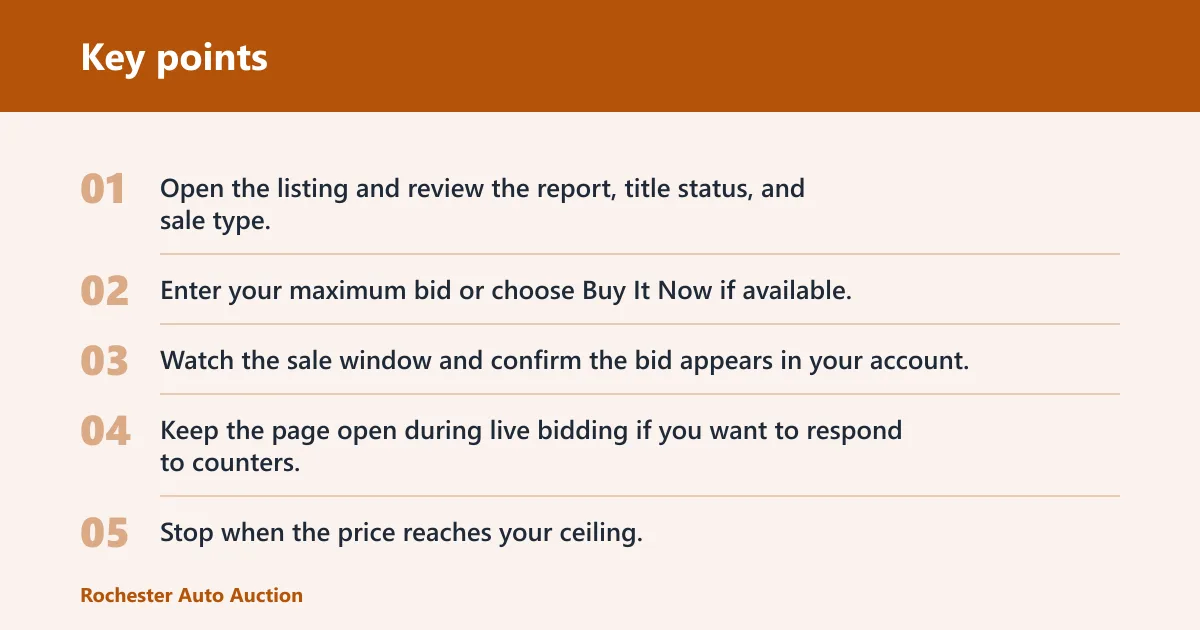
- Open the listing and review the report, title status, and sale type.
- Enter your maximum bid or choose Buy It Now if available.
- Watch the sale window and confirm the bid appears in your account.
- Keep the page open during live bidding if you want to respond to counters.
- Stop when the price reaches your ceiling; do not raise it mid-auction unless your budget still covers the added fees.
What happens after I win?
After you win, Copart confirms the sale status and sends the post-sale paperwork. The invoice is not the final end of the process. You still need to pay the balance, clear any approval holds, and arrange pickup before the vehicle can be released.
Confirm the winning bid and sale status
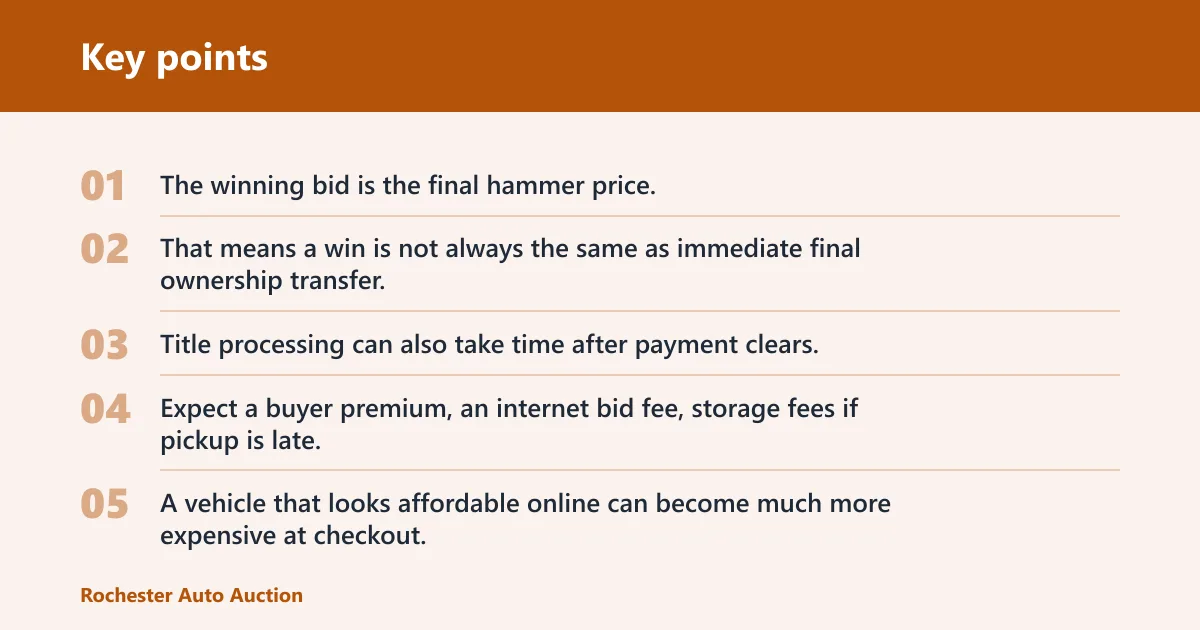
The winning bid is the final hammer price, but it may still be subject to seller approval on some lots. That means a win is not always the same as immediate final ownership transfer. Title processing can also take time after payment clears.
Review all buyer fees and added charges
Expect a buyer premium, an internet bid fee, storage fees if pickup is late, and documentation or title fees when applicable. These charges sit on top of the winning bid. A vehicle that looks affordable online can become much more expensive at checkout.
Pay within the checkout window
Copart sets a payment deadline and a pickup deadline. If you miss either one, you can face late fees or lose release priority. The checkout window is short enough that payment planning should happen before the auction, not after the win.
Arrange pickup or towing before release
Most Copart vehicles are released only after payment clears and the yard confirms pickup eligibility. You may need a tow truck, a transporter, or a release appointment depending on the lot. Do not expect the vehicle to be drivable off the yard without permission.
Copart bidding timeline table
| Stage | Exact action required | Usual bottleneck | Cost or fee risk |
|---|---|---|---|
| Account creation | Create a Copart account with accurate name, contact details, and payment information. | Incomplete profile fields. | Approval delay; missed auction timing. |
| Membership selection | Choose the membership level that allows bidding on the lot and sale type you want. | Wrong access tier. | Upgrade fees or blocked bidding. |
| Identity verification | Submit ID and any business or bidder documents Copart requests. | Pending review. | Cannot bid yet; auction windows may close. |
| Vehicle review | Check the condition report, title status, and yard location before bidding. | Missing damage detail. | Unexpected repair and transport costs. |
| Bid entry | Enter a manual bid, set proxy bidding, or use Buy It Now if listed. | Internet lag or bid cap reached. | Bid may not post; price may rise past plan. |
| Auction result | Confirm whether you won and whether the sale needs seller approval. | Post-sale approval on some lots. | No fast title transfer guarantee. |
| Invoice and checkout | Pay the invoice by the deadline using an approved method. | Wire timing or cashier’s check processing. | Late fees, storage fees, loss of release priority. |
| Vehicle release | Arrange towing or pickup and obtain yard release. | Missing release paperwork or missed pickup window. | Storage fees and delayed pickup. |
Common mistakes
The biggest problems usually happen between the bid and the release. Buyers often focus on the hammer price, then miss fees, deadlines, or approval rules that determine whether the car can actually leave the yard.
- Do not bid before approval is complete. A pending account can stop the sale from moving forward.
- Do not treat the bid amount as the total cost. Add buyer premium, internet fee, and likely transport.
- Do not rely on the condition report alone. It is a guide, not a full inspection.
- Do not wait until the last minute to fund payment. Wire transfers and cashier’s checks can take time to clear.
- Do not miss pickup deadlines. Storage fees can start adding up fast.
Suppose a bidder wins a sedan for $3,200 and forgets to count the fees. The invoice can rise sharply once buyer premium, internet bidding charges, and any storage line items are added, which changes whether the car still fits the budget.
A common first-timer mistake is changing the bid plan during a live sale because another bidder pushes the price up. If the ceiling was set at $4,000, the cleaner move is to stop there and review the next lot rather than chase the sale past the budget.
Can I bid on Copart without a dealer license?
Sometimes yes, but not always. Copart access depends on the listing, membership level, and local rules. Some buyers can bid with a standard account, while others need business credentials or a broker arrangement. Check the specific lot before assuming public access applies.
Frequently asked questions
What documents do I need before I can bid on Copart?
Have a government-issued ID ready, and be prepared for Copart to request tax or business documents depending on your account type. If the account is for a company, make sure the business name, payment details, and bidder information all match to avoid approval delays.
How does a Copart bid work during the auction?
You enter a bid online, set a proxy ceiling, or use Buy It Now when it is available. The system moves in bid increments, and the highest valid offer can win. If the listing has a fixed price, bidding can end immediately when that option is used.
What happens after I win a Copart vehicle?
Copart issues a post-sale invoice, then the buyer pays within the checkout window and arranges release. Winning does not mean instant title transfer or instant pickup. Some lots may still need seller approval before the sale is fully complete.
How do I pay for a Copart vehicle after winning?
Use an approved payment method such as wire transfer or cashier’s check, then follow the invoice instructions for your lot. Pay by the stated deadline. If you wait too long, storage or late fees can apply and release may be delayed.
What fees and deposits should I expect on Copart?
Plan for buyer premium, internet bid fee, and possible storage, documentation, or title fees. Some sales also require deposit handling before bidding or checkout. Check the listing and your membership terms so the total cost does not exceed your ceiling.
How long do I have to checkout after winning at Copart?
The checkout window is set by the invoice and lot rules, and it is usually short enough that same-day planning matters. Payment and pickup deadlines are separate. If you miss them, the yard can add storage charges or hold the vehicle until requirements are met.
What does Copart bidding limit mean?
Your bidding limit is the maximum amount you allow the system to reach on your behalf. It controls proxy bidding and protects against bidding past your plan. It does not include fees, so set the number with the full out-the-door cost in mind.
Can I cancel a Copart bid before the auction ends?
Only if the auction rules for that listing allow it. Once a bid is live, cancellation is not something to count on. Treat every bid as active until the sale closes, and do not enter a number you would not accept if it wins.