How to Start an Auction Arbitration Claim Step by Step
Check the sale clock first, then pull the condition report and arbitration rules, document the defect with photos, and file before the deadline with the required forms and evidence. If you miss the cutoff, leave out proof, or use the wrong rule, the claim can be denied before anyone reviews the vehicle. This guide covers each step, the documents to gather, and the common mistakes that trigger rejection.
What auction arbitration means

Auction arbitration is the auction’s claim review process for post-sale disputes tied to the vehicle’s condition, disclosures, or title status. It only works within that auction’s policy and sale type rules. A lane sale, online sale, dealer purchase, or public sale can have different deadlines, different evidence requirements, and different eligibility limits.
The arbitration desk or arbitrator usually reviews the claim form, sale record, condition report, and evidence package before deciding whether to inspect the vehicle, request more proof, authorize repair, unwind the deal, allow a partial payment, or deny the claim. That review usually centers on what was disclosed before sale and what the buyer can prove now.
When a claim can apply
Most claims start with a defect category: engine, transmission, frame, odometer, electrical, or a title or branded-title issue. Announcement disputes work differently from mechanical failures. A missing airbag disclosure, a “runs and drives” mismatch, or a branded title that was not disclosed can trigger review if the auction’s rules treat that issue as eligible.
How sale type and purchase conditions affect eligibility
Purchase conditions control a lot. As-is language does not always block arbitration, but it often limits what qualifies. Announcements, disclosures, arbitration eligibility, and title status all matter. If the policy excludes a defect class, the claim is usually denied even when the problem is real.
What you’ll need before you file
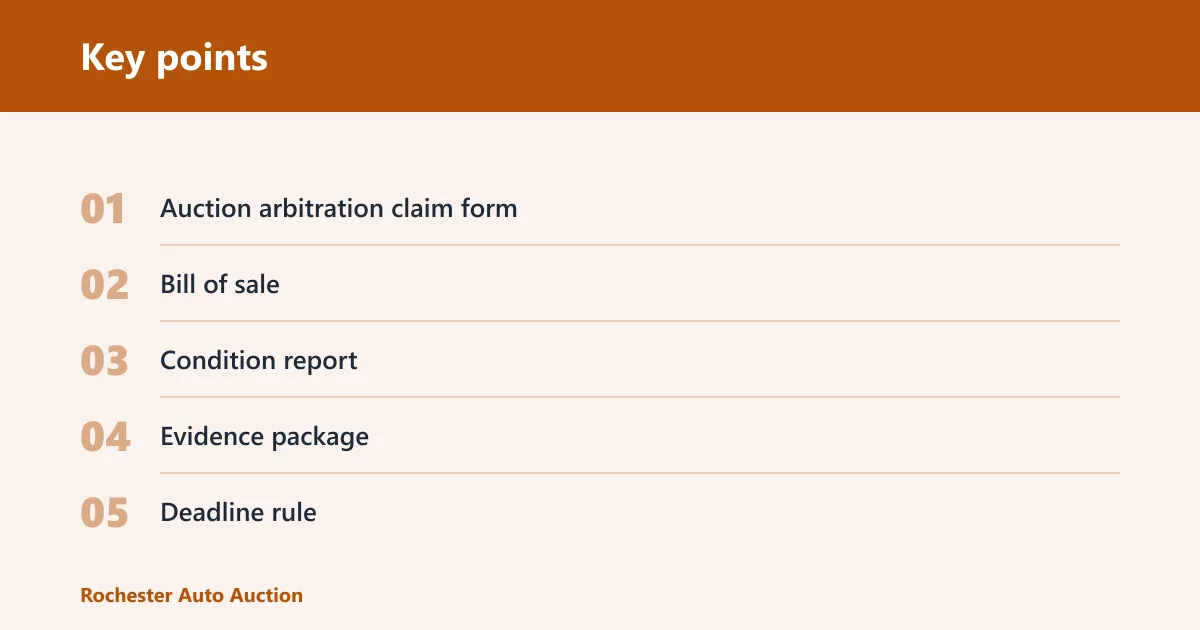
- Auction arbitration claim form with buyer ID, seller ID, VIN or stock number, purchase date, defect description, and submission method
- Bill of sale showing sale date, vehicle identification, announcements, disclosures, and signatures
- Condition report for pre-sale disclosures, body or mechanical notes, and odometer disclosure
- Evidence package with photos, repair estimate, diagnostic scan or code report, inspection notes, and a timestamped communication log
- Deadline rule from the auction policy page, buyer packet, or sale terms
- Copy of the sale record if the vehicle changed lanes, channels, or platforms after listing
Auction arbitration claim step matrix
| Step | Required evidence | Common mistake | Approval risk |
|---|---|---|---|
| Mechanical defects | Photos, repair estimate, scan report or code printout, inspection notes | Using vague language like “bad engine” instead of the fault, code, or symptom | High if the defect does not match policy wording |
| Announcement disputes | Bill of sale, listing announcement, condition report, side-by-side note of the mismatch | Ignoring a posted disclosure that already covers the issue | Medium to high if the announcement was clear |
| Title issues | Title paperwork, branded-title notation, sale record, buyer communication log | Filing as a mechanical claim instead of a title dispute | High if the claim type is wrong |
| Late-filing scenarios | Timestamped discovery note, purchase record, policy deadline screenshot or printout | Counting only calendar days when the policy uses business days | Very high once the deadline passes |
Decision box: file now if the defect matches policy language, the deadline is still open, and the form fields are complete. Gather more proof if the claim needs a repair estimate, scan report, or a clearer link between the defect and the condition report. Escalate internally if the auction page, sale record, and arbitration desk instructions conflict.
How do you check the filing deadline?
Start with the sale record, then compare the purchase date and the defect-discovery date against the auction’s arbitration rule. Some auctions use business days from purchase to calculate the arbitration deadline. Others start the clock at discovery. Some auctions set separate cutoffs for mechanical defects, title issues, and announcement disputes, so the deadline can vary within the same auction.
Write down both dates before you submit anything. If the policy says three business days, Saturday and Sunday usually do not count. If it says 48 hours or 72 hours, that is usually calendar time. Auction-specific rules beat guesswork.
How do you file before the clock runs out?
- Open the auction policy page or buyer packet and find the arbitration deadline.
- Match the deadline to the purchase date and the defect-discovery date.
- Check whether the rule uses business days, calendar days, or both.
- Submit before the cutoff and save the timestamped confirmation.
How do you file an auction arbitration claim?

Fill out the claim form completely, attach the sale record and evidence package, then send it through the auction’s required submission method. The arbitration desk usually wants exact identifiers, a short defect description, and proof that the issue was discovered within the deadline. Missing fields can stall or kill the claim.
Step 1: Document the defect
- Photograph the issue from multiple angles, including the odometer, warning lights, leaks, damage, or title paperwork.
- Get a repair estimate or diagnostic scan report that names the fault, such as misfire codes, transmission slips, frame damage, or electrical failure.
- Write the defect in policy language. Use the system or part that failed, not a broad complaint.
Say your scan shows a P0302 misfire code after purchase. Record that code, the date, and the symptom on the claim form instead of writing “engine trouble.” The narrower description gives the arbitrator something that matches the policy category.
Step 2: Match the claim to the sale record
- Compare the condition report to the defect and mark every disclosed note that touches the same system.
- Check announcements and disclosures for wording that may already cover the issue.
- Confirm the VIN, stock number, and buyer ID before you send the packet.
Suppose the condition report lists “left front damage” and your claim says “frame damage.” That mismatch can weaken the claim unless the repair notes show a hidden structural fault tied to the sale record.
Step 3: Submit the arbitration request
- Enter the required fields on the arbitration claim form: buyer ID, seller ID, VIN or stock number, purchase date, defect description, and submission method.
- Use the auction’s preferred channel, such as portal upload, email, or a physical desk submission.
- Save a timestamped copy of the form, attachments, and any confirmation number.
Keep the vehicle available for inspection unless the policy says otherwise. Do not add mileage unless the auction instructs you to drive it for testing. Extra use can create a new denial issue even when the original complaint is valid.
What happens after you file?
After submission, the arbitrator or arbitration desk reviews the claim for deadline compliance, form completeness, and policy fit. They may approve an inspection, ask for more records, or compare the claim with the sale file. The decision authority usually belongs to the auction, not the buyer or repair shop.
The auction may schedule an inspection, ask for a second estimate, or review title and disclosure records without seeing the car again. Mechanical claims often need physical inspection. Title and announcement disputes often turn on paperwork, screenshots, and sale notes. The process can move quickly if the evidence package is clean.
What can the auction decide?
- Repair authorization: the auction approves a covered repair or labor allowance
- Unwind: the sale is reversed under policy terms
- Partial allowance: the claim is paid in part
- Denial: the claim fails on policy, proof, or timing
Common mistakes that lead to denials
Late filing is often a quick reason for denial. So is using the wrong deadline rule. A claim can also fail when the defect description does not match policy language, the form leaves out a buyer ID or VIN, or the evidence package lacks a scan report, estimate, or photos.
Another common mistake is continuing to drive or repair the vehicle before the auction inspects it. That can change the condition and weaken the record. If the vehicle must move, document the mileage and the reason before the movement.
What to do if the auction denies the claim
- Read the denial reason and match it to the policy section that was used.
- Check whether the problem was timing, evidence, or claim category.
- Gather the missing document or correction and ask for the internal appeal path if the auction allows one.
Prevention
Before filing, keep the vehicle in the same condition, save every message, and note the mileage at discovery and at submission. That simple record can protect the claim if the auction questions when the defect appeared or whether the vehicle changed after purchase.
Frequently asked questions
What documents do you need to start arbitration at an auto auction?
You need the claim form, bill of sale, condition report, photos, repair estimate, and a timestamped communication log. If the issue involves electronics or drivability, add a scan report or code printout. For title disputes, include title paperwork and the auction’s disclosure record.
How soon after purchase do you have to file an auction arbitration claim?
The deadline depends on the auction policy and sale type. Some auctions count business days from purchase; others start from defect discovery or use a separate rule for title and disclosure disputes. Check the buyer packet and file before the cutoff shown there.
What defects qualify for auction arbitration?
Eligible defects usually fall into mechanical, odometer, frame, electrical, title, or branded-title categories, plus some announcement disputes. The exact list depends on policy language. A claim is stronger when the defect fits a listed category and the bill of sale or condition report does not already disclose it.
Can you file arbitration if the car was sold as-is?
Sometimes, yes. As-is terms do not always end eligibility, but they often narrow it. The key question is whether the policy still allows arbitration for the specific defect, title issue, or disclosure mismatch. If the policy excludes it, as-is language will usually support denial.
Do you need to keep driving the vehicle while the claim is pending?
No. Keep use to a minimum unless the auction tells you otherwise. Extra mileage, new repairs, or changes to the defect can hurt the claim. If movement is unavoidable, record the odometer reading, date, reason, and any new warning lights or symptoms.
What should you do if the auction denies your claim?
Ask for the denial reason, then compare it with the policy section, deadline, and evidence package. If the denial cites missing proof, add only the specific document requested. If the auction has an internal review path, submit it with a clean, timestamped packet and a short explanation.