How to Get a Vehicle History Report by VIN Before Bidding
Run the VIN through a vehicle history report before you bid. Cut your max bid hard if the report shows salvage or rebuilt title, odometer inconsistency, flood damage, airbag deployment, or a recent title transfer with no inspection record. Miss those flags and you can overpay for hidden repair and resale risk. This guide shows which report fields matter most and how to turn them into a pre-bid risk screen.
Why a VIN report matters before you bid

A vehicle history report helps you sort auction risk before money changes hands. It can surface accident history, title records, ownership history, mileage records, recalls, sale history, and theft indicators, then give you a fast way to trim your bid or pass.
That matters because auction listings can look clean while the report shows a brand, a mileage break, or a prior sale image that changes the price. A good report is not a guarantee. It is a bid-control tool.
What the report can reveal at auction
Look first for title brands, odometer sequence, accident count and severity, prior auction photos, open recalls, theft flags, owner count, and prior use such as rental, taxi, or fleet. Those fields change resale value and repair risk more than generic owner notes do.
NMVTIS is a U.S. government vehicle title database that feeds title brands, odometer readings, and total loss records into many reports. NHTSA recall data can show open safety recalls and whether repair status is known. EpicVIN says its free check runs through 70 databases and returns results in about 30 seconds, while its full reports include salvage-auction photos with damage estimates and every odometer reading with its date.
What a report can miss
A clean-looking report can still miss recent damage, a fresh repair, or a title event that has not reached every database yet. That is why you should read the report with the auction listing, photos, seller notes, and any inspection sheet. If those sources disagree, treat the report as incomplete until the mismatch is explained.
Suppose a sedan shows a clean title, one owner, and no accidents, but the auction photos reveal a replaced front bumper and overspray on the fender. That does not prove major damage. It does mean the listing deserves a lower cap and a closer review of the sale images.
Where to find the VIN on an auction vehicle
You can usually find the VIN on the dashboard at the lower left corner of the windshield, on the driver-side door jamb label, and on title, registration, and insurance papers. VINs are exactly 17 characters on the site forms, and the number is vehicle-specific, so one wrong character can pull the wrong record.
Dashboard and windshield tag
Stand outside the vehicle and read the plate at the lower left corner of the windshield. Match each character carefully. A missing, altered, or mismatched tag is a bid warning, especially if it does not match the door jamb sticker or paperwork.
Door jamb labels
The driver-side door jamb label often lists the VIN along with tire, weight, and certification data. Check that label against the dash tag. If one is missing or looks tampered with, stop and verify the paperwork before you bid.
Title, registration, and insurance papers
The VIN also appears on the title, registration card, and insurance documents. These papers help confirm you are searching the correct car, truck, or SUV, especially when the vehicle is in a row of similar units or the dash tag is hard to read.
Type the 17-character VIN into a history report service, review the results before the sale, and save or print the report for bid review. That three-step path is enough for most auctions when time is tight, but only if you read the fields that change value, not just the headline summary.
Step 1: enter the VIN
Type the VIN exactly as shown on the vehicle or paperwork. One swapped letter can return the wrong vehicle, especially with similar model years or trim codes.
Step 2: review the results before the sale
Look for title brands, odometer records, accident history, ownership history, recalls, theft indicators, sale history, and prior photos. Title brands such as salvage, reconstructed, lemon, flood, and junk or total loss should usually push a bid down quickly. Odometer gaps or jumps should do the same.
Step 3: save the report for bid review
Save a copy before bidding. If the sale moves quickly or the internet drops, you still have the report in front of you. That matters most for proxy bids and online bids, where you may not get a second look.
Free VIN check or full report?
A free VIN check is useful for a quick screen, but it is often not enough when setting a hard maximum bid. Free checks tend to show limited data, while full reports are more likely to include title brands, odometer history, sale history, photo records, and more complete ownership detail.
What free checks usually include
Free checks often confirm the VIN format and return a short summary of reported events. The same source says its free check runs through 70 databases and returns results in about 30 seconds. That can be enough to catch an obvious brand, a theft alert, or a basic recall note when you have minutes, not hours.
What full reports add
A paid report is worth more when the vehicle is a high-dollar unit, a rebuilt candidate, or a distance buy with no in-person inspection. The same source says full reports include salvage-auction photos with damage estimates and every odometer reading with its date. Those details help you judge whether the visible condition matches the paper trail.
When a seller-supplied report is not enough
Use extra caution if the seller gives you a report that is older than the listing photos, misses a brand you can see in the title paperwork, or lacks date-stamped odometer entries. Pull your own report when the vehicle is expensive, the route to the auction is long, or the risk of a missed issue would erase your margin.
Vehicle history report triage table
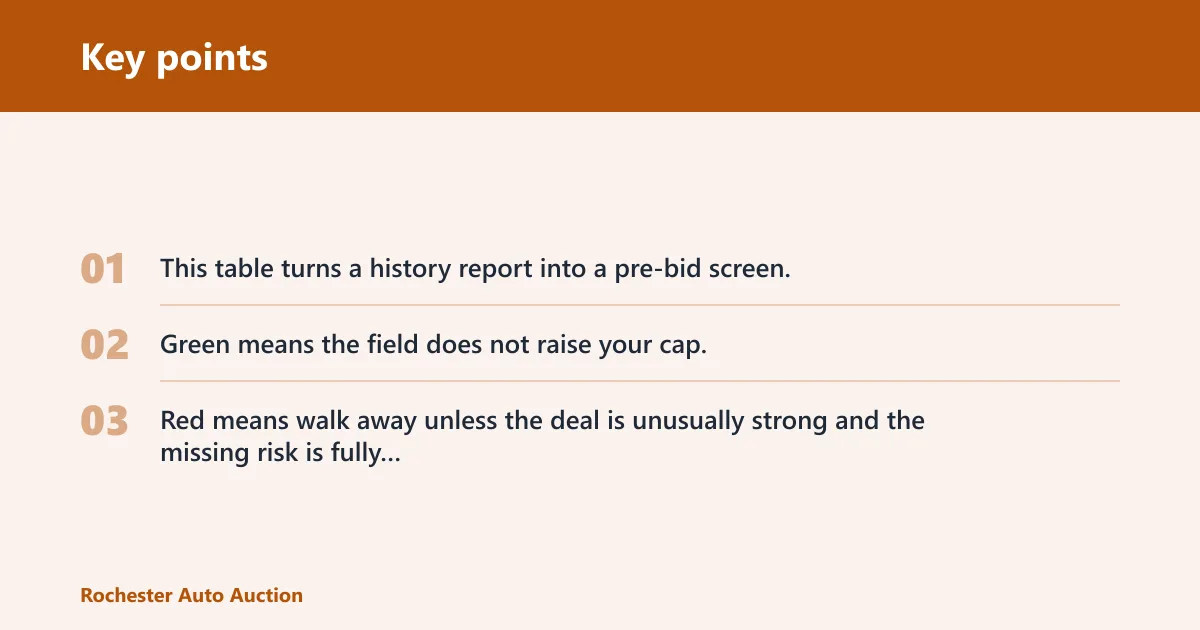
This table turns a history report into a pre-bid screen. Green means the field does not raise your cap. Yellow means reduce your cap or verify more. Red means walk away unless the deal is unusually strong and the missing risk is fully explained.
| Report field | What to look for | Bid impact | When to walk away |
|---|---|---|---|
| Title brand | Green: clean title. Yellow: minor prior brand with clear repair history. Red: salvage, reconstructed, flood, junk, lemon, or total loss. | Yellow lowers max bid. Red cuts the bid sharply or ends it. | Walk if the brand conflicts with the listing or the repair history is missing. |
| Odometer trend | Green: steady, date-stamped increase. Yellow: long gap with no reading. Red: rollback, mileage jump, or impossible sequence. | Yellow means verify the cluster and service records. Red is a hard stop. | Walk if the reading decreases or the dates do not fit the mileage. |
| Accident count and severity | Green: no accident or a minor hit with clear detail. Yellow: one moderate accident. Red: multiple hits, structural damage, airbag deployment, or severe front or rear impact. | More severity means a lower ceiling, even if the car looks presentable. | Walk if the report notes structural damage and the auction photos suggest frame or pillar repair. |
| Prior auction photos | Green: photos match current condition. Yellow: cosmetic repair between sale images and today. Red: photos show major damage that the current listing does not explain. | Use photos to trim the bid for hidden repairs. | Walk if the damage in old photos is severe and there is no clear repair record. |
| Open recalls | Green: no open recall. Yellow: open recall with known repair plan. Red: open safety recall with unknown status. | Yellow adds time and service cost. Red should lower your ceiling. | Walk if the recall affects brakes, steering, airbags, or fuel system and the fix is unknown. |
| Theft flag | Green: no theft record. Yellow: recovery history with clean paperwork. Red: active theft flag or VIN cloning concern. | Red can block resale and title work. | Walk if the VIN, tag, and paperwork do not agree. |
| Owner count | Green: few owners with stable use. Yellow: higher count but clear records. Red: rapid turnover with short gaps between transfers. | More owners usually mean more unknowns and a lower bid cap. | Walk if the transfer pattern suggests unresolved problems or title washing. |
| Prior rental, taxi, or fleet use | Green: private use only. Yellow: fleet use with clean records. Red: taxi or high-mile rental use with wear that does not fit the asking price. | Fleet use lowers value even when the vehicle looks tidy. | Walk if the wear is high and the price still assumes personal-use condition. |
Which records should change your bid?
Use the report to set a ceiling before the auction starts. Green fields let you stay near market value. Yellow fields call for a smaller cap. Red fields should stop the bid unless the seller can document the issue and the price leaves enough room for repair, delay, and lower resale value.
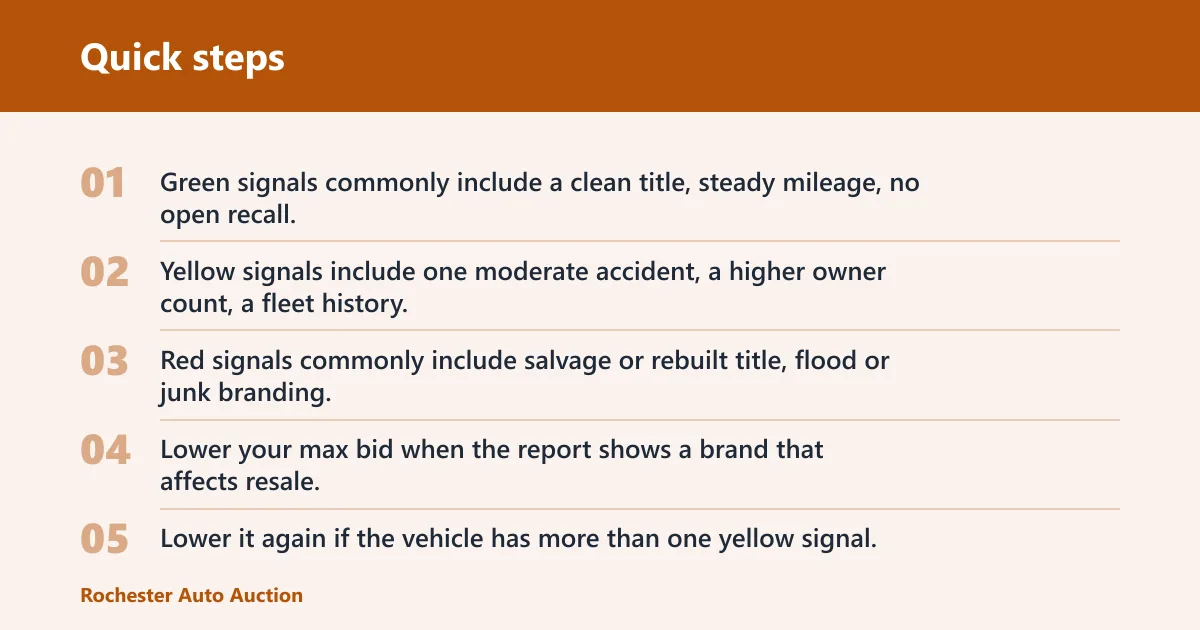
Green, yellow, and red signals
Green signals commonly include a clean title, steady mileage, no open recall, and no theft issue. Yellow signals include one moderate accident, a higher owner count, a fleet history, or a report that lacks one recent data point. Red signals commonly include salvage or rebuilt title, flood or junk branding, odometer rollback, an active theft concern, or severe crash language.
When to lower your max bid
Lower your max bid when the report shows a brand that affects resale, a recall without repair status, or photo evidence of damage that may not be fully fixed. Lower it again if the vehicle has more than one yellow signal. Two yellow items can add up to a red one.
When to walk away
Walk away if the report and the vehicle disagree on identity, mileage, or title status. Walk away if the auction listing looks clean but the report shows flood, salvage, or total loss history. Walk away if the VIN is missing from a normal location or appears altered.
A common first-timer mistake is bidding on a car with a clean-looking listing and a low reserve, then finding a rebuilt title and prior airbag deployment in the report after the bid is locked. That turns a possible bargain into a resale problem. Set the ceiling before you click.
How recent should the report be?
The report should be as close to sale day as possible, since title transfers, recall status, theft records, and mileage entries can change quickly. A stale report can miss a fresh brand, a new auction listing, or an odometer reading posted after the copy you saved.
Why stale data is a problem
NMVTIS title records and sale history depend on when states, insurers, and auctions send updates. That means a report pulled too early can look complete while still missing the latest transfer or damage note. A report older than the listing cycle usually deserves a second check.
What to verify on sale day
On sale day, match the VIN again, confirm the title brand on the paperwork, check that mileage still makes sense, and review the current photos. If the report is older than the auction window, refresh it before placing a proxy bid or entering a live bid.
Frequently asked questions
How do I get a vehicle history report by VIN before bidding?
Find the 17-character VIN, enter it into a vehicle history report service, then review the title, mileage, accident, recall, theft, and ownership sections before you bid. Save the report so you can compare it with the auction listing, photos, and any inspection sheet without rushing.
Where do I find the VIN on an auction vehicle?
Check the dashboard at the base of the windshield, the driver-side door jamb, and the vehicle paperwork. The VIN also appears on the title, registration, and insurance documents. Match every character exactly, because a single wrong digit can pull the wrong history.
Can I check a vehicle history report for free before I bid?
Yes, but free checks are limited. They can help you screen for obvious issues quickly, and EpicVIN says its free check runs through 70 databases in about 30 seconds. For auction bidding, a full report is usually better because it adds more detail on title, mileage, photos, and ownership.
What does a VIN report show that matters at auction?
The most useful items are title records, accident history, ownership history, odometer records, recalls, theft indicators, sale history, and prior photos. Those are the fields that can change your maximum bid. A clean summary is not enough if the detailed records show brand or mileage problems.
How recent should a VIN report be before I buy?
As recent as possible, ideally right before the sale. A stale report can miss a new transfer, fresh mileage reading, or late-posted title event. If the vehicle is in a live auction cycle or the listing changed, pull a new report before you commit.
Can a VIN report miss accidents or hidden damage?
Yes. A report can miss recent damage, unreported repairs, or events that have not reached the databases yet. That is why the report should be paired with the listing, auction photos, and any inspection notes. If those sources conflict, reduce the bid or pass.
What is the difference between a free VIN check and a full report?
A free check is a quick screen. A full report usually gives more complete title, odometer, sale, photo, and ownership detail. For bidding, the full report is more useful because the extra records help you decide whether to trim your cap, verify more, or walk away.