How to Calculate Total Car Auction Fees Before You Bid
Add the hammer price, buyer premium, title or gate fees, taxes, and transport to estimate total auction cost. If the auction charges a percentage premium, apply it to the bid before taxes. Miss one line item, and a winning bid can turn into an over-budget purchase. This guide shows how to build a pre-bid worksheet and calculate each fee before you raise your hand.
Winning bid and fees
The winning bid, also called the hammer price, is the starting point. Fees are added after that number, and taxes may apply to the vehicle price, some fees, or both, depending on the auction and the jurisdiction. For a true bid limit, estimate the full invoice before you bid.
Start with the hammer price
Use the hammer price as line one on your worksheet. That figure is the amount you win the vehicle for before auction charges, taxes, storage, or transport. Skip that step, and every later calculation comes out too low.
Add auction charges line by line
Do not blend every charge into one vague “fees” line. Put each item in its own row: buyer’s premium, administrative fee, gate fee, title fee, and any buyer charge tied to a specific auction type. That makes it easier to compare one auction against another.
Separate tax from fees
Taxes are not the same thing as auction fees. Some states tax the vehicle price only, while others tax certain fees too, and some charge tax only after title transfer or registration steps. Keep tax in a separate column so you can adjust it for local rules.
What fees usually apply?
Most auction invoices include more than the winning bid. Buyer’s premiums, admin charges, gate fees, title paperwork, storage, and late-payment penalties can all appear on the final bill. The exact mix depends on the auction house, sale format, and whether the vehicle is clean title or salvage.
Buyer’s premium
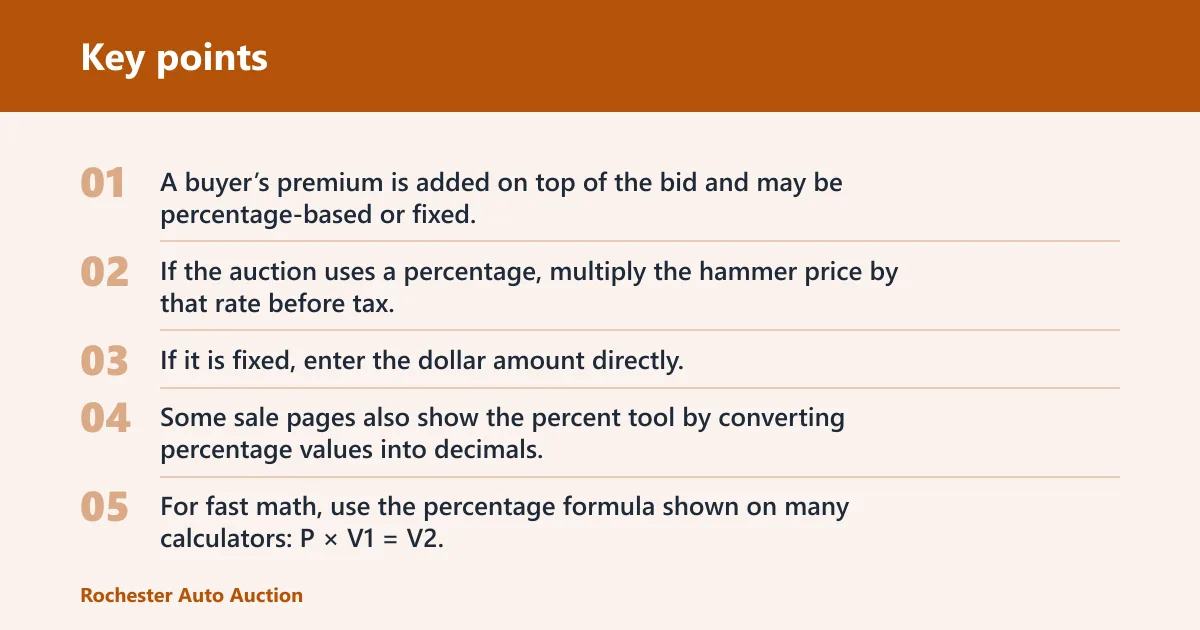
A buyer’s premium is added on top of the bid and may be percentage-based or fixed. If the auction uses a percentage, multiply the hammer price by that rate before tax. If it is fixed, enter the dollar amount directly. Some sale pages also show the percent tool by converting percentage values into decimals, which is the same math you would use on a worksheet.
For fast math, use the percentage formula shown on many calculators: P × V1 = V2. A percentage is a number or ratio that equals a fraction of 100, so 10% becomes 0.10 in decimal form.
Administrative and gate fees
An administrative fee is a fixed per-transaction charge. A gate fee is another common line item, often tied to auction access or vehicle processing. Both can be small compared with the hammer price, but they still belong in the total because they are paid on top of the bid.
Title, storage, and late-payment charges
Title fees cover paperwork or transfer charges. Storage fees can start after a grace period and may be daily or flat rate, which is why pickup timing matters. Late-payment fees trigger when the payment deadline is missed, and those charges can grow fast enough to erase a narrow bidding margin.
Say your bid wins a sedan at a clean-title sale and the invoice is due in 48 hours. If pickup slips past the grace period, a storage charge can appear even though the car itself did not change price. The final invoice rises because the timing changed.
Auction fee formula
A practical formula is: total cost = hammer price + buyer’s premium + admin fee + gate fee + title fee + tax + transport + contingency. Use the same structure every time so you can compare vehicles by out-the-door cost, not by bid alone. Round each currency line to two decimals.
Total-cost equation
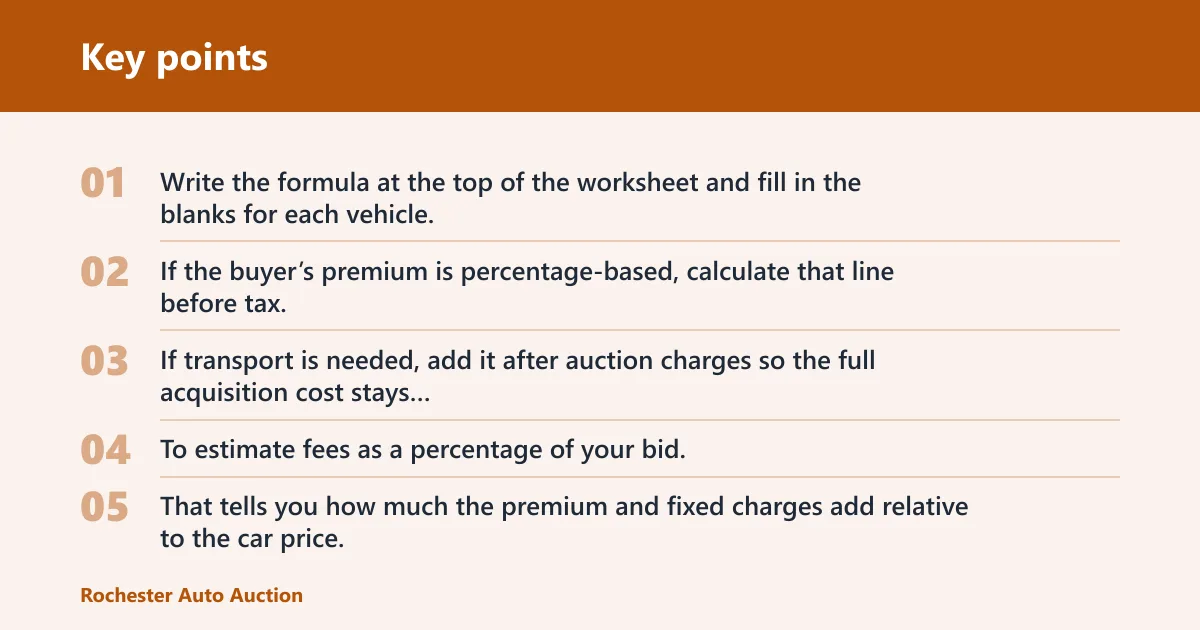
Write the formula at the top of the worksheet and fill in the blanks for each vehicle. If the buyer’s premium is percentage-based, calculate that line before tax. If transport is needed, add it after auction charges so the full acquisition cost stays visible.
Percentage fee math
To estimate fees as a percentage of your bid, divide the fee by the hammer price and multiply by 100. That tells you how much the premium and fixed charges add relative to the car price. The calculator.net basic calculator includes a percent key, and the basic calculator offers rounding to 2 decimals as well as rounding to 0 decimals.
The calculator also supports addition, subtraction, multiplication, and division. It also handles percentages and taxes, which makes it useful for quick bid checks when the auction page lists fees in different formats. W3Calc says basic calculators perform addition, subtraction, multiplication, and division.
Rounding to dollars and cents
Keep the worksheet precise, then round to two decimals at the end. Currency should not be carried with long decimal strings unless the auction displays them that way. A clean, rounded total is easier to compare across multiple lots.
Auction fee worksheet
This worksheet turns separate charges into a pre-bid total. Enter the auction’s actual fee schedule, then test a few likely bids before the sale starts. The table below uses simple formulas and three common scenarios so you can compare a clean-title, salvage, and online purchase on the same basis.
| Line item | Formula | Clean title | Salvage | Online |
|---|---|---|---|---|
| Hammer price | Bid amount | $12,000.00 | $8,500.00 | $10,250.00 |
| Buyer’s premium | Hammer price × rate | $720.00 at 6% | $850.00 fixed + $170.00 extra buyer charge | $615.00 at 6% |
| Administrative fee | Fixed fee | $95.00 | $125.00 | $75.00 |
| Gate fee | Fixed fee | $35.00 | $40.00 | $0.00 |
| Title fee | Fixed paperwork charge | $65.00 | $75.00 | $65.00 |
| Transport estimate | Quoted shipping or towing | $250.00 | $400.00 | $300.00 |
| Sales tax | Taxable amount × tax rate | $773.10 | $0.00 if exempt at sale | $649.50 |
| Contingency | Buffer for timing or misc. charges | $150.00 | $250.00 | $100.00 |
| Estimated total | Sum of all rows | $14,088.10 | $10,410.00 | $12,054.50 |
These examples are only worksheet models. The numbers shift with the auction house, the title status, and the state tax rule, so replace each figure with the lot’s actual fee schedule before you bid.
- Enter the hammer price for the lot.
- Add the buyer’s premium using the sale’s rate or fixed amount.
- Include admin, gate, and title charges.
- Add transport if you need shipping or towing.
- Apply tax only to the taxable amount.
- Add a contingency for storage, delay, or paperwork surprises.
How taxes fit
Sales tax belongs in its own line because the taxable amount can differ by state and by auction policy. Some jurisdictions tax the vehicle plus certain fees, while others tax only the vehicle price. If the sale is tax-exempt at pickup or requires out-of-state processing, the worksheet should reflect that separately.
When sales tax applies
Check whether tax is due on the hammer price, on fees, or on the total invoice. A clean worksheet shows the taxable base and the tax rate as separate fields. That keeps you from inflating the estimate or, worse, underbudgeting by assuming every fee is tax-free.
Taxable purchase amount
The taxable amount is not always the same as the total cost. For example, a state may tax the vehicle and premium but not transport, or it may tax the vehicle and some paperwork charges. Use the auction’s tax statement and the state rule together before you lock in a bid ceiling.
The online calculator page explains tax calculation with a 6% example. It calculates $851 plus 6% to equal $902.06, which is a useful model for checking a simple taxable subtotal before you apply the sale’s real rate.
State-by-state variation
Different jurisdictions treat fees differently, so one auction invoice may look nothing like another. A number that is non-taxable in one state can be taxable in another. Treat tax as a location-specific input, not as a standard auction charge.
Salvage and online fees
Salvage and online sales often add charges that do not appear in a clean-title live sale. Salvage auction fee schedules can include extra buyer charges, and online sales may add internet or remote-bid handling charges. Those costs are part of the purchase decision, not afterthoughts.
Salvage auction charges
Salvage auctions may use different buyer fees than clean-title auctions. That can include higher premiums, export or documentation steps, and extra processing charges tied to title brand or vehicle condition. If the vehicle needs special paperwork, budget for it before bidding.
A common first-timer mistake is to compare only the hammer price of a salvage lot with a clean-title vehicle. Picture a flood-damaged crossover with a lower bid but a higher buyer charge, a paperwork fee, and towing from the yard; the cheaper bid can still produce the larger invoice.
Online auction charges
Online auction fees can differ from live auction fees because the platform may add remote bidding charges, digital processing fees, or different buyer premiums. Some online sales are lower on access costs but higher on convenience charges. Read the sale terms line by line before you treat an online listing as cheaper.
Extra buyer fees to watch
Watch for lot-specific fees, arbitration terms, preview restrictions, and pickup deadlines. These are the kinds of charges that do not show up in a generic calculator. They can change the final invoice even when the hammer price stays the same.
How much should you budget?
Budget on out-the-door cost, not on hammer price alone. A safe estimate includes the bid, buyer charges, tax, transport, and a buffer for storage or missed deadlines. If pickup is delayed, the final invoice can exceed the bid by more than expected.
Build a buffer for storage and timing
Add a contingency line before you bid. Storage fees can start after a grace period, and late-payment fees can compound quickly if the invoice is not paid on time. A small buffer is easier to justify than a last-minute scramble to cover a surprise charge.
Add transport before you bid
Transport is usually separate from auction charges. If the vehicle cannot be driven home, include shipping or towing in the worksheet before you place a bid. That cost can be modest on a nearby car and far larger on a long-distance or non-running unit.
Compare bids by total cost
Compare two lots only after you convert both to the same worksheet. One vehicle may have a lower hammer price but a higher buyer’s premium, more paperwork, or longer storage exposure. The better deal is the one with the lower total invoice, not the lower auction bid.
Frequently asked questions
How do I calculate total car auction fees before bidding?
Start with the hammer price, then add the buyer’s premium, admin fee, gate fee, title fee, tax, transport, and a contingency line. Keep tax separate from the fee total. That gives you an out-the-door estimate you can compare against your budget before you bid.
What fees are included in a car auction buyer’s premium?
A buyer’s premium is the charge added on top of the winning bid. It may be a percentage of the hammer price or a fixed fee, depending on the auction house. Some salvage and online sales also add separate buyer charges that are not part of the premium.
How do I estimate auction fees as a percentage of my bid?
Divide the fee by the hammer price and multiply by 100 to find the fee percentage. If the auction lists a percentage premium, convert it to a decimal and multiply it by the bid. That is the quickest way to estimate whether the charge is manageable.
What’s the difference between auction fees and taxes at auction?
Auction fees are charges set by the auction house, such as buyer’s premium, admin, gate, and title fees. Taxes are set by the taxing authority and depend on jurisdiction. Some states tax the vehicle only, while others tax certain fees too, so keep them separate.
How much should I budget for a car auction on top of the winning bid?
Budget for the buyer’s premium, fixed auction fees, tax, transport, and a contingency for storage or late payment. The right buffer depends on the sale terms and the vehicle’s pickup timeline. A worksheet is the safest way to see the full number before bidding.
Are online auction fees different from live auction fees?
They can be. Online sales may add remote-bid or platform charges, and salvage online sales may use a different fee schedule than live sales. Treat the listing terms as the source of truth, then plug those charges into the same worksheet you would use for a live auction.
Can I use a calculator to estimate auction fees before I bid?
Yes. The calculator supports addition, subtraction, multiplication, division, percentages, and taxes, which makes it useful for quick pre-bid math. Use it to check each line item, then round to 2 decimals for currency. A calculator is fast, but the auction’s fee schedule still controls the result.