What Is a Vehicle History Report and What Does It Show?
A vehicle history report is a record summary tied to one specific VIN, the 17-character Vehicle Identification Number used to pull title, mileage, damage, theft, ownership, and recall data. It helps you screen bid risk fast, but it cannot prove a car runs well or repairs were done correctly. Skip it, and you can end up bidding on a branded-title, rolled-back, or totaled vehicle that costs too much to repair or resell.
How VIN matching and pre-bid checks work
A vehicle history report is an online summary tied to a specific Vehicle Identification Number, or VIN, the 17-character code used to pull the record. It condenses available title, mileage, damage, ownership, theft, and recall data into one file you can check before bidding. For auction buyers, that makes it a fast pre-bid risk check, not a mechanical inspection.
Why the VIN match matters
The report only matters if the VIN matches the exact vehicle in front of you. A swapped windshield tag, a typo in a listing, or a report pulled for a different trim can make the record misleading. Check the VIN on the dash, door label, and paperwork before you trust the result.
Why auction buyers use it before bidding
At auction, time is short and the bid is final. A report can flag title branding, mileage jumps, prior total loss, or theft history that changes the resale math. It cannot tell you whether the engine starts cleanly or whether a body repair was done well.
What does a vehicle history report show?
A vehicle history report often includes title status, odometer readings, ownership history, reported damage or accidents, theft events, and recall information, depending on what the provider has available. Coverage varies by provider and by data source, so use the report as a risk screen. Missing fields need caution; no entry is not proof that nothing happened.
Title history and branding
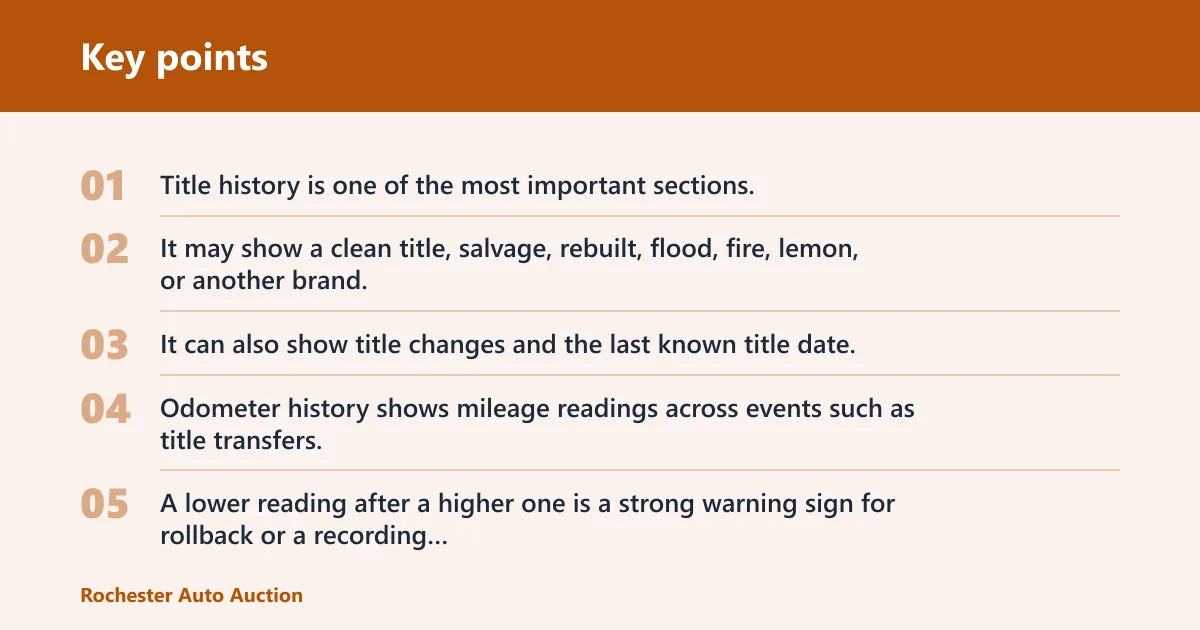
Title history is one of the most important sections. It may show a clean title, salvage, rebuilt, flood, fire, lemon, or another brand. It can also show title changes and the last known title date, but those records may arrive late or be incomplete.
Odometer history
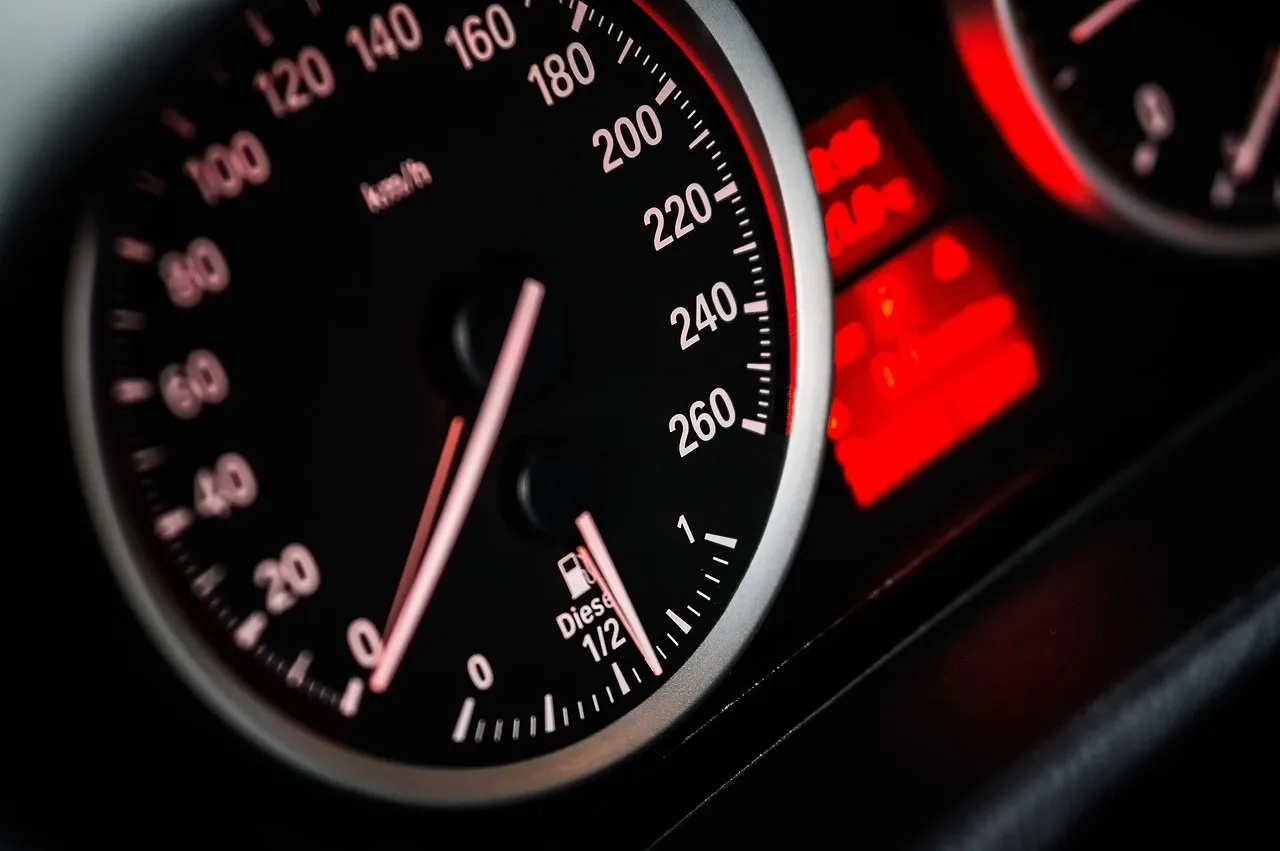
Odometer history shows mileage readings across events such as title transfers, inspections, service entries, or auction records. A lower reading after a higher one is a strong warning sign for rollback or a recording error. Gaps can also appear, so a missing mile point is not automatically a problem by itself.
Damage, accident, ownership, theft, and recalls
Damage and accident history can reveal reported collisions and damage events, sometimes with severity notes. Ownership history may show the number of prior owners and whether the vehicle was personal or commercial use. Theft records and recall lookup data may appear too, but recall checks are often separate from many history reports.
Suppose a sedan shows 82,114 miles at one auction entry and 76,402 at a later title event. That mismatch does not prove rollback on its own, but it should stop a fast bid until the VIN, title trail, and disclosure sheet are checked side by side.
What can a vehicle history report miss?
A vehicle history report can miss unreported accidents, unrepaired issues, and records that have not been processed yet. It can also miss events outside the provider’s data feed. The report is only as complete as the DMV, police, auction, dealer, service, and insurer inputs behind it.
Unreported damage and repairs
Not every accident reaches an insurer or a police report. Not every repair gets documented in a way a provider can collect. A car may have frame damage, airbag deployment, or flood exposure that never appears in the report if the event was never reported or was reported somewhere the provider does not cover.
Delayed or incomplete records
Some records are missing because they have not been processed yet. Others are missing because the provider never receives them. Those are different problems. A late title update can arrive after the auction date, while a local repair shop invoice may never enter a history database at all.
Coverage gaps by source and provider
Coverage depends on the provider and the sources it can access. CARFAX Europe says not all accidents are reported to them and that no report is assured to be error-free or complete. That is the right way to think about any report: useful, but not final.
A common first-timer mistake is treating a blank damage section as proof of no damage. A clean-looking report can still coexist with visible overspray, misaligned panels, or auction disclosure notes that point to prior repairs. Start with the report, then verify the car itself.
How do I read the title and damage sections on a vehicle history report?
Read the title section first, then the damage section. Title branding can stop a bid on its own if the brand does not fit your buying plan. Damage notes are more specific and need context. A single reported incident may be minor, but repeated entries, structural language, or a branding change deserve a deeper look before you bid.
Clean, salvage, rebuilt, flood, fire, and lemon brands
A clean title is not a mechanical guarantee; it only means the title record is not branded in the database you are viewing. Salvage, rebuilt, flood, fire, and lemon brands are more serious. They can affect financing, insurance, resale value, and whether the car even belongs in your lane at all.
Damage notes versus full repair history
Damage entries usually show that something was reported, not how completely it was repaired. A report may list front-end damage, collision, or airbag deployment without saying whether the repair quality was good. That is why the note itself matters, but the next verification step matters just as much.
Red flags that need a deeper check
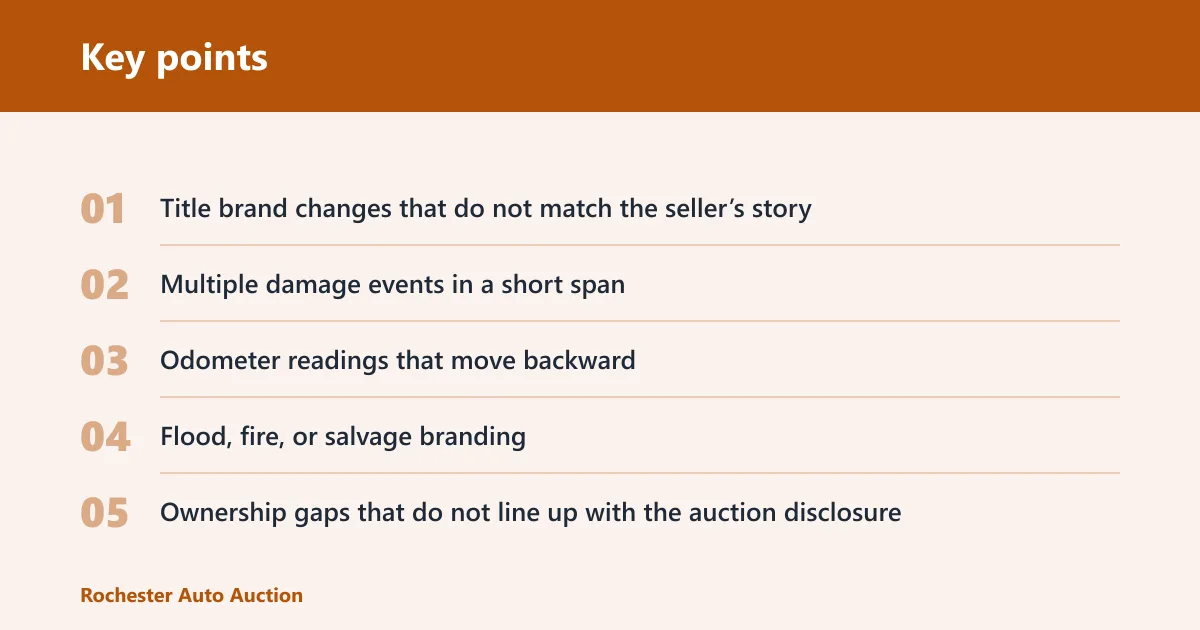
- Title brand changes that do not match the seller’s story
- Multiple damage events in a short span
- Odometer readings that move backward
- Flood, fire, or salvage branding
- Ownership gaps that do not line up with the auction disclosure
Picture a pickup with a clean title line, but the damage section shows a prior total loss entry and a later rebuilt brand. That is not a light cosmetic note. It is a bid-shaping fact that should trigger a closer title review, because a branded vehicle can carry resale and insurance friction long after the repairs are done.
How do I get a vehicle history report by VIN?
Get the VIN from the vehicle itself, then run the report through a history provider or review a seller-supplied copy after checking that the VIN matches exactly. The VIN is 17 characters long. If it is unreadable, inconsistent, or missing from the paperwork, pause the bid until it is verified. (Nhtsa)
How to find and verify the VIN
- Check the dash plate at the base of the windshield.
- Match it to the door-jamb label.
- Compare both to the title or auction paperwork.
- Confirm the 17-character VIN matches every document.
Using a provider or seller-supplied report
A seller-supplied report can be useful as a starting point, but it should not be treated as final. It may be old, incomplete, or pulled for a different VIN by mistake. A fresh lookup matters when the vehicle has moved through multiple auctions, a title update has been filed recently, or the seller’s copy leaves gaps.
Cost and decision value
Price matters only in relation to the bid decision it supports. A single CARFAX report is priced at $58.95, two CARFAX reports cost $86.95 total, and four CARFAX reports cost $166.95 total. That cost can be justified if it helps avoid one bad purchase. CARFAX Canada also says, “No VIN? No problem!”
Pre-bid vehicle history report triage table
| Report section | What to look for in 30 seconds | What is a red flag | What to verify next | Bid / walk away / investigate |
|---|---|---|---|---|
| Title | Clean, salvage, rebuilt, flood, fire, lemon, and title date changes | Any brand that conflicts with your buying plan, or a late title change that does not fit the story | Match the VIN, title copy, auction disclosure, and seller claim | Walk away if branded title risk is outside your target |
| Odometer | Read the sequence of mileage entries from oldest to newest | Backwards mileage, sudden drops, or unexplained jumps | Check inspection dates, auction lanes, and service entries for data timing | Investigate before bidding |
| Damage | Look for collision, airbag, structural, flood, or theft-related damage notes | Repeated damage events, severe wording, or total loss language | Inspect panel fit, underbody, airbags, and disclosure sheets | Walk away if structural or flood risk is confirmed |
| Ownership | Count prior owners and note personal versus commercial use | Frequent transfers, short holds, fleet use that conflicts with condition | Check auction history, registration timing, and seller explanation | Investigate if ownership pattern does not fit the vehicle |
| Theft | Look for theft recovery or theft-related branding | Recovered theft with missing parts, title delay, or gap in records | Verify title status, key count, and any recovery documentation | Investigate before bidding |
| Recall | Check whether open safety recalls appear in the report | No recall data shown when the make and model are known for active campaigns | Run a separate recall lookup and confirm by VIN | Bid only after recall status is confirmed |
| Lien records | Look for lien or ownership-risk notes if the provider includes them | Outstanding lien or unclear payoff status | Request payoff confirmation or title release evidence | Walk away until lien status is clear |
Can you trust a vehicle history report if the seller sends one?
A seller-supplied report can be useful, but it should be treated as a document to verify, not a final answer. It may be old, incomplete, or tied to a different VIN. Before bidding, check the VIN, the report date, and whether the vehicle has changed hands or moved through a later auction since the copy was generated.
When a shared report is useful
A shared report is useful when it matches the VIN, is recent, and aligns with the auction disclosure. It can help you screen obvious risk fast. It is less useful when the vehicle is being sold on a fresh title event, after a recent repair, or after a long gap in records.
When to order or verify your own copy
Order or verify your own copy when the vehicle is expensive, the title story is sensitive, or the seller’s copy is stale. The same source describes the report as “an online report designed to help you swiftly reveal notable aspects,” but it also says no report is assured to be error-free or complete. That is enough reason to verify before a serious bid.
Frequently asked questions
What is a vehicle history report?
A vehicle history report is an online summary tied to a VIN that gathers title, mileage, ownership, damage, theft, and recall information from available records. It is a pre-bid screen, not a mechanical diagnosis. Use it to spot risk fast, then verify anything that looks off.