Copart Bidding Explained: How It Works
Copart bidding is commonly described in two stages: pre-bids and live bidding. If something goes wrong, bidding can be blocked, deposits can be lost, deadlines can be missed, and extra fees can raise the final purchase price. This guide explains who can bid, what blocks bids, how live and proxy bidding differ, and what fees and deadlines apply after you win.
The bid is only one step in a longer process. Access rules, account limits, seller terms, title status, fees, and payment timing decide whether a winning bid turns into a workable purchase or an expensive error.
That matters most on salvage, repairable, and title-problem inventory, where the listing may show enough to bid but not enough to assume roadworthiness, repair cost, or easy registration. A low current bid can still end in a high real cost once auction fees, transport, storage, and broker charges are added.
Who can bid on Copart?
Copart bidding starts with a registered member account, and access may depend on identity verification, account status, and the type of inventory being offered. Many public buyers can bid on some vehicles without a dealer license, but dealer-only or state-restricted lots may require a broker or bidding service. Even with a broker involved, you still need to understand fees, payment deadlines, and listing terms.
Membership, registration, and identity verification
You need a Copart member account before any bid can be placed. Registration is the first gate, but it is not the only one. Identity verification and account approval can affect whether bidding is active, what lots are visible, and how high a bid can go.
Access type matters. Some accounts are set up for public bidding on eligible inventory, while other lots are restricted by license class, seller rules, or state title laws. If the account is incomplete, unverified, or missing required documents, the bid button may be limited or unavailable.
Public access versus dealer-only restrictions
Not every Copart lot is open to every bidder. Some vehicles can be bought by the general public, while others are limited to licensed dismantlers, dealers, rebuilders, exporters, or buyers using approved intermediaries.
That restriction can come from the title type, the seller, or state law tied to the vehicle location. A public buyer may see the vehicle, follow the bidding, and still be unable to place a direct bid on that lot.
When a broker or bidding service is required
A broker or bidding service is the usual workaround when a public buyer wants a dealer-only vehicle or a lot with state-specific restrictions. The broker places bids through its own eligible account and handles the purchase structure required for that inventory.
That gives you access, it does not remove risk. Broker use usually adds another fee layer, and you still need to cover the winning amount, Copart fees, payment timing, pickup rules, and transport.
Who remains responsible for fees and payment
Using a broker does not make the cost stack disappear. You still need to know who pays the auction charges, gate fee, storage if pickup is late, document handling charges, and the broker’s own service fee.
Before bidding, check who invoices what, how quickly funds are due, and whether the vehicle will be released directly to you, to a transporter, or only through the broker’s process.
What do you need before you place a bid?
Before bidding, the account needs to be active, verified, and set up with the right access level for the target lot. You also need to know the account bid limit, any deposit requirement tied to that limit, and which payment methods are accepted after a win. Most failed bids happen before the auction clock matters: wrong access, incomplete verification, expired sessions, or a bid cap that blocks the amount entered.
Member account setup and access type
Check the account first. Registration is required, and account details need to match the intended buyer name and payment path. If the buyer is using a business, account setup should match the entity that will actually pay and collect the vehicle.
Then confirm the access type for the specific lot. A public-bidding account may be enough for one listing and useless for the next.
Bid limits, deposits, and account controls
Copart uses bid limit controls to cap what an account can offer. That cap is separate from the bidder’s own maximum price. In practice, an account may be willing to spend one amount but still be blocked by a lower system limit.
Some access levels or bidding tiers may require a deposit to support a higher limit. If the limit is too low, the bid will stop before the live auction ends, even if the bidder intended to go higher.
Accepted payment methods and readiness checks
Before bidding, check which payment methods the platform or broker will accept for that purchase. Payment rules can vary by buyer type, amount due, location, or account status.
Also check basic failure points: the account session can expire, payment details may be incomplete, required documents may still be under review, or the lot may have seller-specific restrictions that prevent bidding.
Common account issues that block bidding
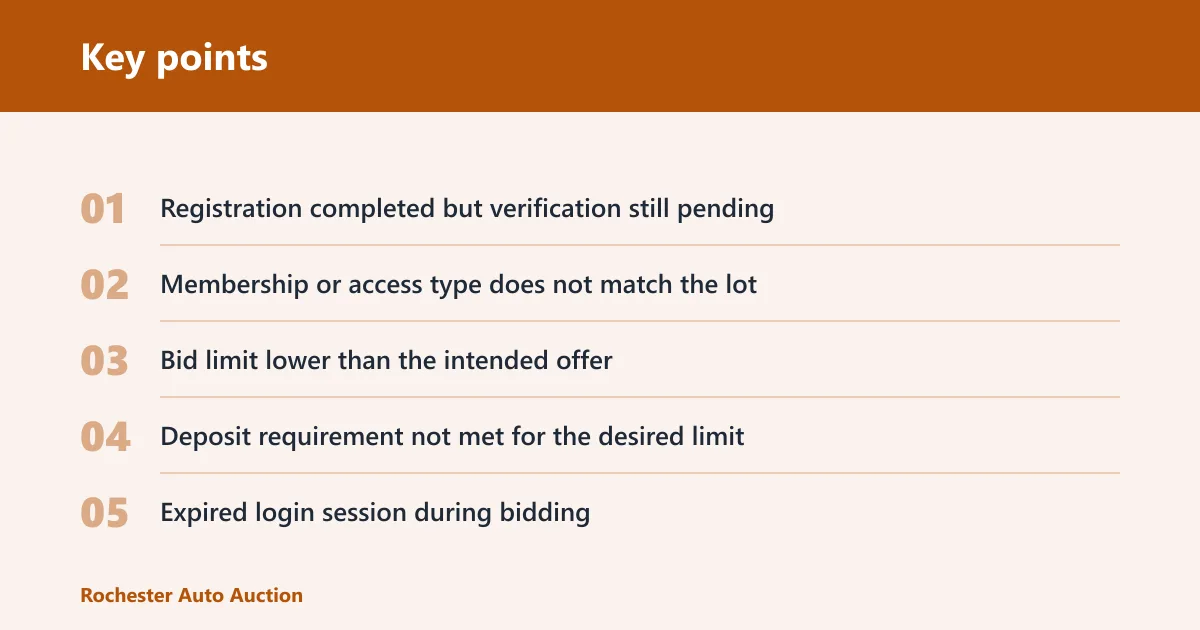
- Registration completed but verification still pending
- Membership or access type does not match the lot
- Bid limit lower than the intended offer
- Deposit requirement not met for the desired limit
- Expired login session during bidding
- Seller or state restriction on that vehicle
- Broker required but not arranged before sale time
Suppose a bidder has a public account, sees a repairable SUV with a low current bid, and assumes the live sale is the hard part. The bid fails before the countdown matters because the title category requires an eligible intermediary in that state. The low price never becomes a real option.
How do you read a Copart listing before bidding?
A Copart listing should be read as a risk and access screen, not just a price page. The key fields are minimum bid, current bid, Buy It Now status if offered, seller type, title condition, and the vehicle condition report. Those signals show whether bidding can start, whether seller approval may still apply, and whether the vehicle fits the buyer’s repair, parts, or registration plan.
Minimum bid, current bid, and Buy It Now
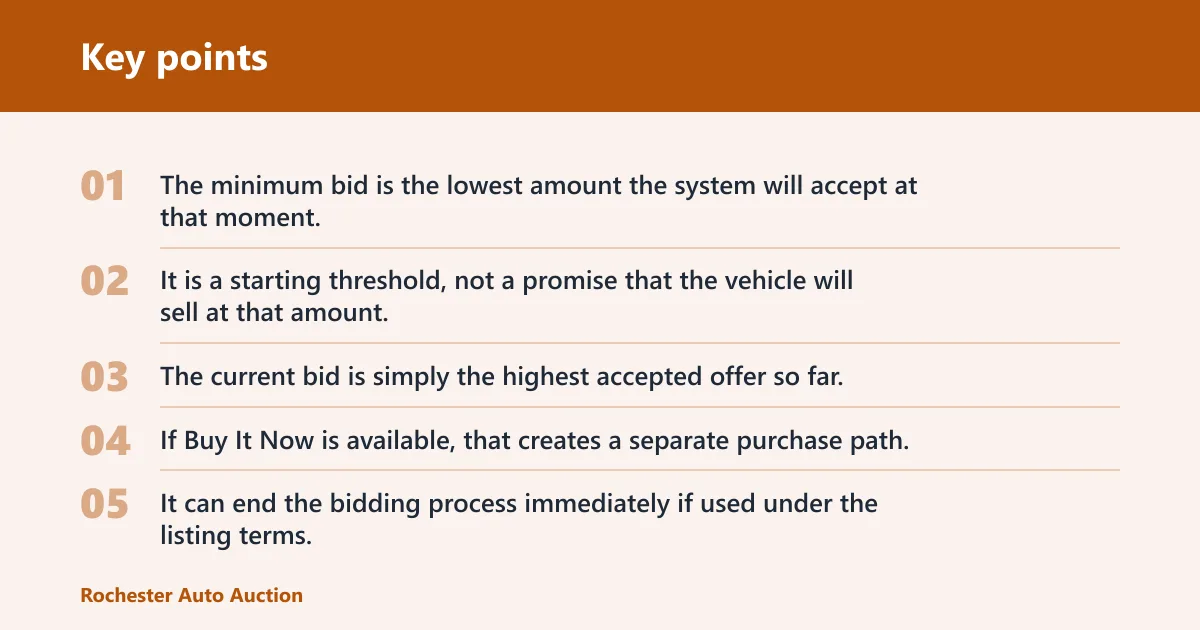
The minimum bid is the lowest amount the system will accept at that moment. It is a starting threshold, not a promise that the vehicle will sell at that amount. The current bid is simply the highest accepted offer so far.
If Buy It Now is available, that creates a separate purchase path. It can end the bidding process immediately if used under the listing terms.
Seller type, reserve, and approval signals
Seller type matters because some vehicles can sell only if reserve is met or if the seller approves the high bid after the auction. That means being the apparent high bidder does not always create an immediate sale.
Read the sale terms on the specific lot. If reserve, on-approval status, or seller confirmation applies, the live auction result may still be conditional.
Vehicle condition report: run and drive, damage, and title
Condition signals should shape the maximum bid before the auction starts. Check whether the unit is marked run and drive, what primary and secondary damage are listed, whether a loss type or damage grade appears, and what the title says.
Title condition can matter more than cosmetic damage. A salvage, rebuilt, non-repairable, parts-only, or state-specific title label affects who can buy it, whether it can be registered later, and what it is worth after transport and repairs.
Inspection limits and why photos are not enough
Photos help, but they do not replace an in-person inspection or a qualified third-party look when available. Listings can show visible damage well and hide mechanical failure, flood residue, missing parts, module faults, or frame issues poorly.
Run and drive status is limited. It does not mean the vehicle can be driven home, is road legal, or that it has no engine, transmission, cooling, airbag, or electrical problems.
Say your target lot is a 2019 sedan marked run and drive with front-end damage and a salvage title. If transport, buyer fees, a hood, radiator support, airbags, and calibration work push the total above local retail for a comparable repaired car, the low bid is irrelevant.
How does Copart bidding work during the sale?
Copart bidding usually begins with pre-bids placed before the live sale, then moves into a short live auction window where bids advance in set increments. A pre-bid can work like a proxy maximum, letting the system bid on the buyer’s behalf up to that cap. The winning bid is the highest accepted bid under the listing’s terms, but reserve or seller approval can still affect whether the sale is final.
Pre-bids, proxy bidding, and your maximum bid
Pre-bidding lets a buyer enter a maximum before the vehicle reaches the live lane. The system then advances bids as needed, typically only high enough to stay in front, until the buyer’s maximum is reached.
That differs from clicking each increase in real time. A proxy bid is a spending ceiling entered in advance. It does not mean the buyer instantly pays that full amount unless competing bids force the price there.
Live auction countdown and bid increments
When the lot enters the live sale, bidding continues from the current high bid. The system uses bid increments, so bids rise in steps rather than by any random amount. The countdown is short, and activity can change quickly if several proxy caps collide near the end.
The exact pace and on-screen signals can vary by listing and sale flow, but the pattern is consistent: the next accepted bid must meet the required increment and stay within the account’s allowed bid limit.
How the system advances bids up to your cap
- You enter a maximum bid before or during the sale.
- The system compares that number against competing bids.
- It raises your bid only as needed, following the increment rules.
- It stops once you are outbid or your maximum is reached.
- If your account bid limit is lower than your intended maximum, the system blocks the higher amount.
What makes a bid the highest accepted bid
The final accepted bid is the highest bid the system accepts under that lot’s rules. That may be enough to win immediately, or it may move the lot into reserve review or seller approval.
The point to remember is narrow but important: the final bid price is the accepted hammer price only. It is not the full amount needed to complete the purchase.
What does ‘bid must not exceed bid limit’ mean?
The message means the amount entered is higher than the account’s allowed bidding cap, even if the buyer personally wants to spend more. That cap can affect both proxy bids and live bids. The fix is usually to check account status, deposit support for higher limits, or access restrictions before trying again.
Your maximum bid versus your account bid limit
These are two different numbers. The maximum bid is the ceiling the bidder chooses for a specific vehicle. The bid limit is the platform control on the account itself.
If the buyer sets a vehicle maximum at a number above the account cap, the system rejects it. The bidder is not competing yet because the account has not been cleared to bid that high.
Why the error appears
Common reasons include a low default bid limit, a missing or insufficient deposit where required, a change in account status, or access restrictions tied to that inventory. It can also show up in live bidding if the next increment would push the offer above the allowed cap.
How bid limits affect live and proxy bidding
In proxy bidding, the system may accept a lower maximum but reject a higher one immediately. In live bidding, the buyer may place several bids successfully and then hit the limit when the auction steps into the next increment band.
That makes the error expensive in fast sales. A bidder can lose the lot while still thinking the personal budget has room left.
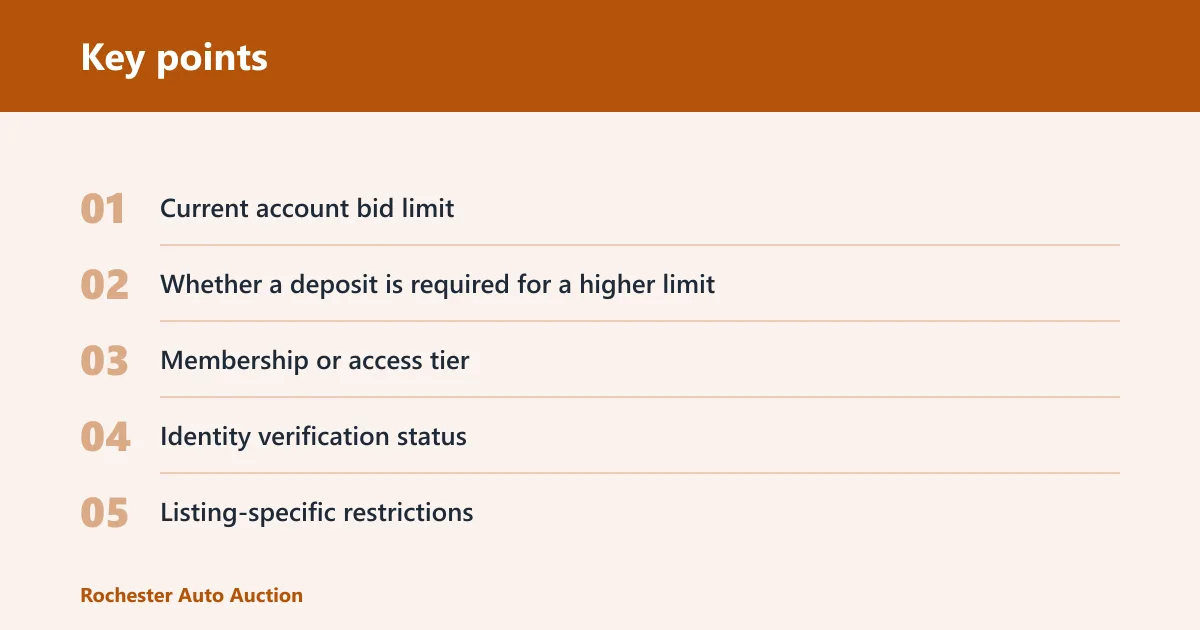
What to check before trying again
- Current account bid limit
- Whether a deposit is required for a higher limit
- Membership or access tier
- Identity verification status
- Listing-specific restrictions
- Session status if the page appears stale
What happens after you win?
After a win, the buyer owes more than the final bid price. The total can include auction or buyer fees, service charges, gate fees, storage if pickup runs late, taxes where applicable, broker charges if used, and transport. Payment usually has a short deadline, and missing it can trigger late fees, cancellation risk, account restrictions, or loss of access to the vehicle.
Final bid price versus out-the-door total
The final bid price is the accepted auction amount and nothing more. It does not include Copart buyer fees, internet or service fees if applicable, taxes, document handling, broker charges, shipping, or repair costs.
This is where many first-time bids go wrong. A lot that looks cheap at the hammer can become a poor buy once the full stack is added.
Buyer fees, service fees, gate fees, and storage risk
The fee schedule can change, so the exact current amount needs to be checked on the platform or through the broker handling the purchase. What matters before bidding is the category of cost, because every category changes the real ceiling.
- Buyer or auction fees tied to sale price
- Internet or service fees where applicable
- Gate fee charged when the vehicle leaves the yard
- Storage fees if pickup misses the allowed window
- Broker fee if access required an intermediary
- Transport cost from yard to shop, home, or port
- Taxes or local charges where applicable
Payment deadline and accepted payment methods
Copart purchases usually come with a short payment window. The exact deadline and accepted methods can vary by account type, location, and transaction structure, so that needs to be checked before the auction starts, not after the win.
If the buyer needs bank transfer timing, broker invoicing, or transporter coordination, that delay should be planned in advance. Auction yards do not pause storage risk because the buyer is still arranging logistics.
Late-payment consequences and release timing
Late or incomplete payment can bring penalties, cancelled sales, account restrictions, or extra fees. Vehicle release also depends on funds clearing and all required documents being complete.
A common first-timer mistake is winning on Friday, assuming pickup can wait, then learning the payment deadline and yard schedule leave almost no slack. Storage starts turning a decent buy into a strained one before repairs even begin.
Copart bidding table
| Stage | What the bidder sees | What can block the bid | What cost or fee follows next |
|---|---|---|---|
| Account setup | Registration form, member dashboard, access prompts | No account, incomplete registration, identity verification still pending | Membership cost if applicable; possible deposit requirement to support higher bidding access |
| Access check | Public-eligible lots, dealer-only labels, state or seller restrictions | Wrong membership level, no license where required, broker not arranged | Broker or bidding service fee if outside help is needed |
| Bid-limit review | Account bid cap, possible deposit prompt, available bidding power | Bid limit too low, deposit not posted where required | Extra deposit amount or account change needed before bidding higher |
| Listing review | Minimum bid, current bid, Buy It Now if offered, seller type, title status, run and drive note, damage details, photos | Lot restricted to eligible buyers, hidden assumptions about reserve or approval, title not suitable for buyer’s plan | No immediate fee yet, but transport, repair, title, and broker costs should be added before bidding |
| Pre-bid or proxy bid | Maximum bid entry field and confirmation | Session expired, account restriction, maximum entered above bid limit | No purchase fee yet; bid exposure begins if accepted |
| Live auction | Countdown, current high bid, bid increments, live or auto-advance activity | Connection loss, session timeout, next increment exceeds bid limit, seller terms prevent direct sale | If high bid stands, buyer moves to post-sale fees and payment deadline |
| Win or high-bid result | Winning notice, on-approval status, reserve outcome, invoice path | Seller approval not granted, reserve not met, payment account mismatch | Final bid price plus buyer fees, service fees, taxes if applicable, broker fee if used |
| Payment window | Invoice total, payment deadline, accepted payment methods, release conditions | Late payment, incomplete funds, payment method not accepted, paperwork missing | Late fees, sale cancellation risk, account penalties, storage risk if release is delayed |
| Pickup and release | Gate release process, pickup scheduling, yard rules | Vehicle not paid in full, transporter not arranged, missed pickup window | Gate fee and storage charges if pickup runs late |
| Failure case: bid must not exceed bid limit | Error message when entering a higher proxy or live bid | Account cap lower than intended bid, deposit support missing, access level too limited | Possible extra deposit, broker arrangement, or lost chance at the lot if the sale closes first |
How do you avoid the most expensive Copart mistakes?
The biggest Copart mistakes come from treating the auction price as the whole deal. Expensive errors usually start earlier: bidding on an ineligible lot, missing a title problem, confusing minimum bid with likely sale price, skipping the fee stack, or assuming a run and drive unit has been fully checked. The safest approach is to decide from the listing, account limits, and post-win deadlines together before the live auction begins.
Bidding on the wrong title or seller terms
Title labels and seller rules can erase the value of a seemingly cheap win. If the buyer needs a registrable repair project but the vehicle is effectively parts-only for that buyer’s state or access type, the low hammer price is beside the point.
Reserve and approval terms also matter. A high bid that still needs seller signoff is not the same as an immediate completed sale.
Ignoring fees and transport in the real total
Before bidding, write the total as a stack: hammer price, buyer fees, service charges, gate fee, storage risk, broker fee if any, transport, and the first round of repair or diagnostic costs. If that number is already too close to local market value, there is no room left for surprises.
Overbidding on limited-condition information
Copart listings are decision tools, not full mechanical inspections. Damage descriptions can be useful but still incomplete. The missing information is part of the price.
Picture a pickup with rear damage, clean-looking photos, and a current bid well below comparable retail. Change only one variable: the frame has a hidden bend not clear in the images. The math flips immediately, even if every fee and title detail stayed the same.
Missing payment or pickup deadlines
Winning without a payment plan is a common self-inflicted loss. Funds, release documents, transporter availability, and yard timing need to be ready before the sale, especially if a broker stands between the buyer and the release process.
Storage charges are small compared with a bad engine or bad title, but they pile onto a purchase that is already cost-sensitive.
Frequently asked questions
How does Copart bidding work from registration to checkout?
It starts with account registration and verification, then lot access, listing review, and either pre-bidding or live bidding. If the buyer wins, Copart or the broker issues the invoice, fees are added to the final bid price, payment must arrive within the stated window, and release happens only after funds clear.
What are the Copart bidding requirements before I bid?
You need a registered member account, completed identity verification, the right access type for the lot, and enough bid limit to support the amount you want to offer. Some situations also require a deposit, an eligible license class, or a broker if the vehicle is dealer-only or state-restricted.
Can anyone bid on Copart without a dealer license?
Some buyers can bid on public-eligible inventory without a dealer license, but not on every lot. Dealer-only vehicles, certain title categories, and some state rules can block direct public bidding. In those cases, a broker or bidding service may be needed to place the bid legally through an eligible account.
Can you bid on Copart without a membership?
No. A registered Copart member account is required before a bid can be placed. Watching listings is one thing, entering a bid is another. The account also needs the right status and access level, so a bare registration without completed approval may still leave bidding blocked.
What does minimum bid mean on Copart listings?
Minimum bid is the lowest amount the system will currently accept on that lot. It is a bidding threshold, not a guaranteed sale price. The vehicle may still need reserve to be met, seller approval after the auction, or higher bids during the live sale before any completed transaction happens.
How to cancel a Copart bid before the auction ends
Cancellation depends on auction stage and listing rules, so it should not be assumed to be easy or always allowed. Once bidding is active, and especially once the lot enters live sale, bids are often effectively binding. Check the platform rules and contact support or the broker immediately if a correction is needed.